When you buy a new iPhone, Apple includes only the phone and a charging cable in the box. This means you will need to purchase additional accessories to get the best experience from your iPhone. Whether you use your iPhone for photography, gaming, work, travel, content creation, or daily productivity, the right accessories can significantly improve how you use your smartphone. From protecting battery life to expanding storage and improving convenience, these are the top 10 iPhone accessories that are genuinely worth buying.
Common Essentials Are Not Included
Before diving into the list, it is worth mentioning that some accessories are already considered basic necessities for most iPhone users. Items like a screen protector, an iPhone case, wired or wireless headphones, and AirPods are intentionally not included here.
These are common purchases that most people buy almost immediately after getting a new iPhone for protection or everyday use. Instead, this list focuses on accessories that genuinely improve functionality, productivity, convenience, or how you use your iPhone in daily life.
Note: All accessory images shown in this article are for illustrative purposes and are sourced from Amazon.
1. MagSafe Wallet
Apple’s MagSafe technology changed how accessories attach to the iPhone, and the MagSafe wallet is one of its most practical uses. Instead of carrying a bulky traditional wallet, a MagSafe wallet snaps securely onto the back of your iPhone and lets you carry your most important cards, like your ID, credit card, or transit pass.
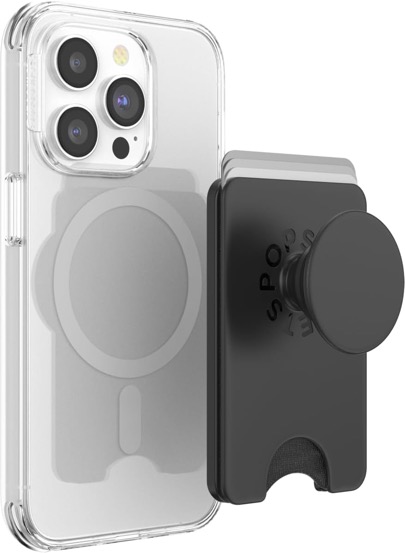
Apple or PopSocket MagSafe Wallets are especially useful because they detach easily when you need wireless charging but still hold firmly during everyday use. For people who prefer minimalism, this accessory can replace a traditional wallet entirely.
2. MagSafe Battery Pack (Power Bank)
Most power banks require cables and create unnecessary clutter. A MagSafe battery pack solves this problem by attaching magnetically to the back of your iPhone. It provides convenient charging while walking, traveling, or commuting, without needing wires dangling from your pocket or bag.
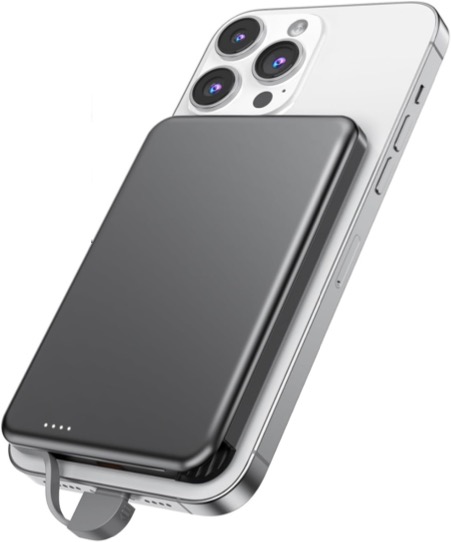
Apple’s version prioritizes battery health by reducing excess heat, while brands like Anker often provide faster charging speeds and larger battery capacities. If you travel often or spend long hours away from a charger, this accessory quickly becomes essential.
3. Gimbal Stabilizer
The iPhone already has an excellent camera system, but shaky footage can ruin even the best videos. A gimbal stabilizer uses motorized stabilization to keep your shots smooth while walking, running, or recording moving subjects.
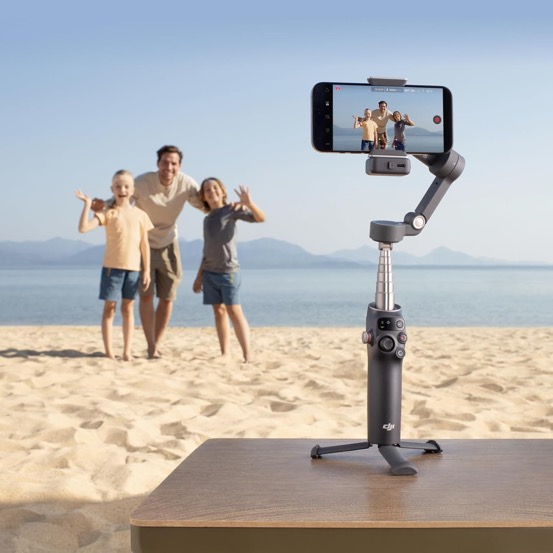
It is especially useful for vloggers, travelers, and content creators who want cinematic-looking videos without expensive equipment. Many modern gimbals also include intelligent face tracking, allowing the camera to automatically follow your movement while recording.
4. Mobile Gaming Controller
Mobile gaming has become far more advanced, but touch controls still limit the experience. It transforms your iPhone into a handheld gaming console by attaching directly to both sides of the device, giving you physical buttons, analog sticks, triggers, and responsive controls. Games such as Call of Duty: Mobile, Genshin Impact, and cloud gaming services like Xbox Cloud Gaming become far easier and more enjoyable to play.

The controller also supports pass-through charging, so you can continue gaming without worrying about battery life.
5. MagSafe Car Mount
Traditional phone mounts often rely on plastic clamps that are difficult to use and look bulky inside the car. MagSafe mounts offer a much cleaner solution. You simply place your iPhone near the mount, and magnets hold it securely in place. This makes it easier to use navigation apps, answer calls hands-free, or access CarPlay while driving.
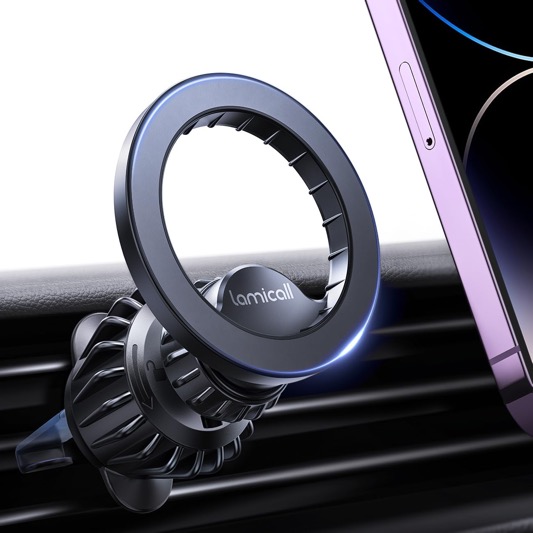
A good MagSafe car mount also keeps your device stable over bumps and positions it within easy reach without blocking visibility.
6. External SSD
Cloud storage is useful, but it is not always practical, especially when recording high-resolution video or traveling without reliable internet access. An external SSD gives your iPhone extra storage instantly. If you shoot 4K or ProRes video, newer iPhones can even record directly to an SSD, bypassing internal storage limitations.
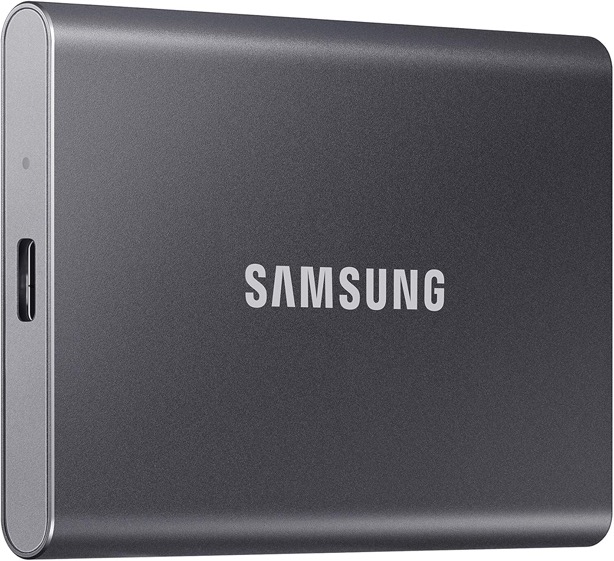
Popular choices like the Samsung T7 or SanDisk Extreme SSD are compact, fast, and durable enough for travel. This is particularly valuable for content creators, photographers, and users who constantly run out of storage space.
7. Smart Tracker (AirTag)
Losing keys, bags, or luggage is frustrating, but a smart tracker can prevent unnecessary stress. Apple’s AirTag works through the Find My network, which uses millions of Apple devices worldwide to help locate lost items.
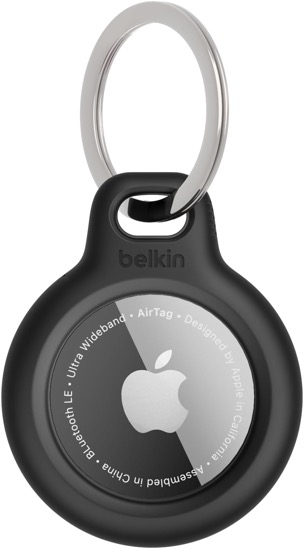
Precision Finding can guide you directly to nearby misplaced objects, making it useful for wallets, backpacks, keys, and luggage. For travelers especially, placing an AirTag inside checked baggage can provide peace of mind during flights.
8. Bluetooth Camera Shutter Remote
Taking photos with your iPhone often means asking someone else to click the picture or awkwardly setting a timer and rushing into position. A Bluetooth camera shutter remote solves that problem instantly. This tiny accessory connects wirelessly to your iPhone and lets you capture photos or start videos remotely with a single button press. It is especially useful for group photos, travel photography, long-exposure shots, selfies, family portraits, and content creation.
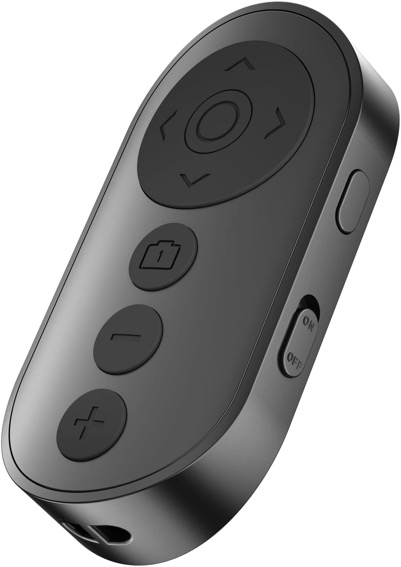
When paired with a tripod or stable surface, it can significantly improve the quality of your photos by eliminating hand movement and awkward framing. For solo travelers, creators, or anyone who loves taking pictures, it is a surprisingly useful accessory that most people overlook.
9. SD Card Reader
If you use a DSLR, mirrorless camera, drone, or action camera, transferring files to your iPhone can sometimes be inconvenient. An SD card reader allows you to plug your camera’s memory card directly into your iPhone and transfer RAW images, videos, or large files quickly.
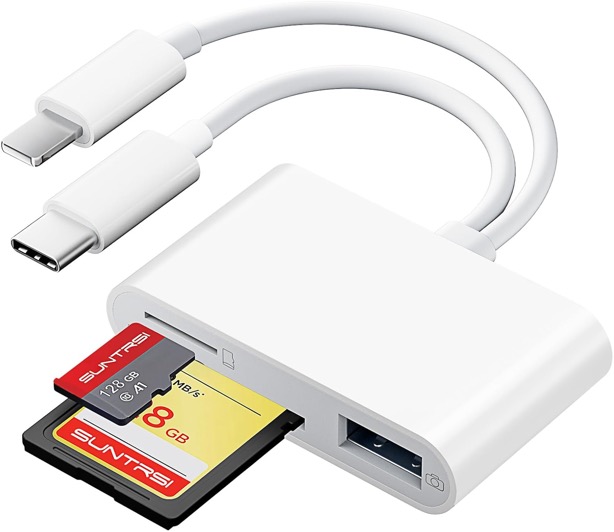
This eliminates the need for slow wireless transfers or carrying a laptop. For photographers and creators who edit on the go, this is a small but incredibly useful accessory.
10. Wireless Charger (MagSafe or Qi-Compatible)
Charging cables are convenient, but a wireless charger makes charging feel effortless. Instead of plugging and unplugging cables repeatedly or keeping the power bank ready, you can simply place your iPhone on a charging pad or magnetic stand and let it charge automatically. MagSafe wireless chargers are especially useful because they align perfectly with supported iPhones using magnets, ensuring stable charging every time.
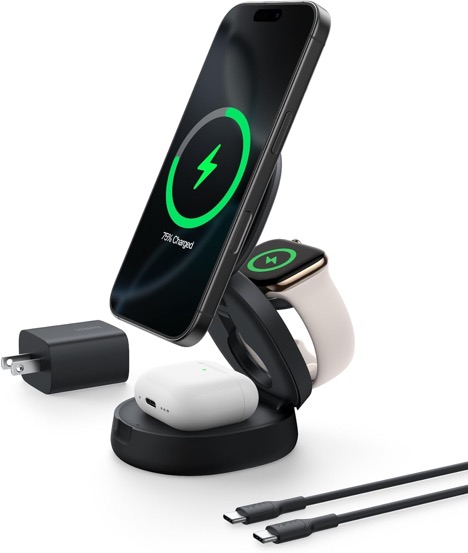
Wireless charging stands are also great for desks and bedside tables, allowing you to check notifications, use StandBy mode, or continue watching videos while charging. For users who charge their phones multiple times a day, this small convenience quickly becomes something you will not want to live without.
Final Words
The best iPhone accessories are not just extras; they fundamentally improve how you use your phone every day. Accessories like a MagSafe wallet, magnetic battery pack, wireless charger, or car mount can make daily usage far more convenient. Meanwhile, creators and professionals may benefit more from tools like gimbals, SSDs, or SD card readers. If you are buying only one or two accessories to start with, a MagSafe Wallet and a wireless charger offer the biggest everyday quality-of-life improvements.