Email newsletters are an effective way to keep your website visitors connected with your content. WordPress offers several newsletter subscription plugins that make it easier to collect email addresses, create subscription forms, manage subscribers, create segmented lists, and send email campaigns. Some plugins provide complete email marketing solutions, while others focus on collecting subscribers and connecting your website to an external email marketing service. If you are planning to add a newsletter subscription to your WordPress site, here is a list of 10 useful plugins to consider.
Adding Subscription Form in WordPress
Nowadays, most WordPress themes and hosting companies offer email marketing as an integrated feature.
- Almost any commercial theme you purchase from the marketplace like Themeforest comes with a custom newsletter subscription plugin or setting.
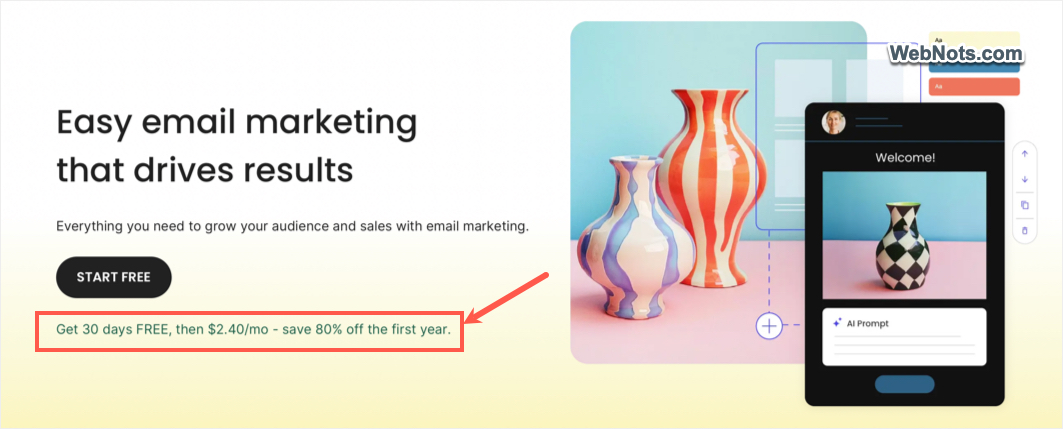
- Hosting companies like SiteGround offers a separate Email Marketing service for as low as $2.4 per month. It’s a white labelled solution that comes with AI email writer, visual form builder, free templates, double opt-in, AI spam checker, etc.
- There are third-party services like Mailchimp to embed the subscription form without any plugin.
Therefore, make sure to install a separate newsletter plugin only if your existing setup does not offer similar solution or you want to keep newsletter feature independent using a plugin. All plugins explained below offer a free version, with paid plans available for additional capacity and features.
1. MailPoet
MailPoet is a popular email marketing plugin designed specifically for WordPress. It allows website owners to create newsletters, manage subscribers, and send email campaigns directly from the WordPress dashboard. One of its main advantages is that you can manage many newsletter activities without constantly switching between WordPress and an external email marketing platform. MailPoet also provides its own email delivery service, so you can send newsletters without configuring a separate sending provider.

The plugin is particularly useful for bloggers who want to notify subscribers whenever new articles are published. It also integrates with WooCommerce, allowing online store owners to create customer focused email campaigns.
- Create newsletters using a visual email editor.
- Add subscription forms to your website.
- Send automatic notifications about new blog posts.
- Create welcome emails for new subscribers.
- Manage subscriber lists and audience segments.
- Integrate with WooCommerce for email marketing.
2. Newsletter
Newsletter plugin focuses on building email lists and sending newsletters. It provides tools for creating subscription forms, managing subscribers, and designing email campaigns without requiring a separate newsletter management dashboard. The plugin includes a visual email composer that helps you create newsletters using different content blocks. You can also place subscription forms in various areas of your website to encourage visitors to sign up.

Newsletter is worth considering if you want to manage subscribers within WordPress and send regular updates to your audience. Its free version supports unlimited subscribers, although your actual email-sending capacity depends on your delivery setup and hosting arrangements.
- Create customizable newsletter subscription forms.
- Manage subscribers from the WordPress dashboard.
- Design email campaigns using a visual composer.
- Send newsletters to your subscriber list.
- Use additional extensions for advanced features.
- Integrate with supported email delivery services.
3. FluentCRM
FluentCRM is a WordPress-based customer relationship management (CRM) and email marketing plugin. Unlike tools that concentrate mainly on subscription forms, it helps you manage contacts, organize subscribers, create email campaigns, and automate communication. The plugin is particularly useful when your email marketing needs extend beyond sending occasional newsletters. For example, you can organize subscribers using tags, create targeted email sequences, and automate communication based on supported triggers and integrations.

Because FluentCRM operates within WordPress, subscriber and campaign management takes place in your website’s dashboard. However, you will generally need to configure a suitable email delivery service to send campaigns reliably.
- Manage contacts and subscriber lists.
- Organize contacts using tags and lists.
- Create and send email campaigns.
- Build automated email sequences.
- Segment audiences for targeted communication.
4. MC4WP: Mailchimp for WordPress
MC4WP, also known as Mailchimp for WordPress, connects your WordPress website to your Mailchimp email marketing account. The plugin is primarily designed to help you collect email addresses and transfer subscriber information to Mailchimp. It does not replace Mailchimp as your main email marketing platform. Instead, it provides a convenient way to connect website forms with your existing Mailchimp audience.

You can add subscription forms to your website and integrate them with supported WordPress features. Depending on your configuration, you can also use integrations with form builders, ecommerce plugins, and other website tools. This makes MC4WP a practical option for website owners who already use Mailchimp and want to grow their mailing lists through WordPress.
- Create newsletter signup forms.
- Connect WordPress to a Mailchimp account.
- Add subscription forms to different website locations.
- Integrate with supported form builders.
- Connect with compatible ecommerce and membership plugins.
- Manage email campaigns through Mailchimp.
5. Icegram Express
Icegram Express is an email subscribers and newsletter plugin for WordPress. It helps website owners collect email addresses, manage subscribers, send newsletters, and notify readers when new content is published. The plugin is useful for content-focused websites that want to build an email list and maintain regular communication with their audience.

For example, a blogger can use it to collect subscriptions through website forms and send notifications when a new article becomes available. Depending on the selected features and configuration, it can also support automated email sequences and other email marketing activities.
- Create newsletter subscription forms.
- Collect and manage email subscribers.
- Notify subscribers about newly published posts.
- Support email confirmation options.
6. OptinMonster
OptinMonster is a lead generation platform with a WordPress plugin that helps website owners convert visitors into email subscribers. Unlike a traditional newsletter management plugin, its primary purpose is to create effective subscription forms and campaigns that encourage visitors to sign up. These include popups, floating bars, slide-in forms, and other opt-in displays.
You can configure campaigns to appear under specific conditions, such as when visitors scroll through a page or are about to leave the website. This gives you more control over how and when subscription forms appear. OptinMonster integrates with several email marketing services, allowing you to send the collected subscriber information to your preferred platform.
- Create popup subscription forms.
- Display floating bars and slide-in campaigns.
- Use targeting rules to control campaign visibility.
- Design mobile-friendly opt-in forms.
- Connect with supported email marketing services.
- Test and optimize campaigns using available conversion tools.
7. Brevo for WordPress
Brevo is an email marketing and customer communication platform that can be connected to WordPress through its integration plugin and related tools. Rather than managing your entire email marketing system inside WordPress, Brevo provides an external platform for handling subscriber information, campaigns, and email delivery.
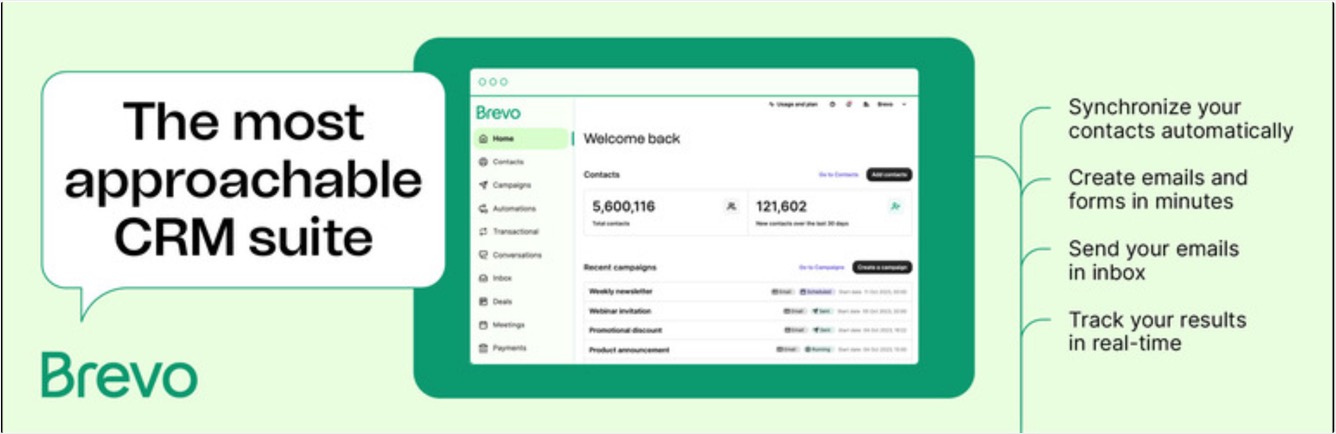
You can use the integration to connect your website with Brevo and collect subscribers through supported forms and workflows. Brevo also offers other communication and marketing features, making it suitable for businesses that need more than a basic newsletter. Its external delivery infrastructure can be useful for websites that want to separate email sending from their WordPress hosting environment.
- Connect WordPress with a Brevo account.
- Collect subscribers through supported forms.
- Create and send email marketing campaigns.
- Set up automated email workflows.
- Access contact management and segmentation features.
- Use additional communication tools available through the platform.
8. MailerLite
MailerLite is an email marketing platform that provides newsletter creation, subscription forms, audience management, and automation features. Its WordPress integration allows you to connect your website to your MailerLite account and collect email subscribers. You can then manage your campaigns through MailerLite rather than relying on WordPress to handle the entire email marketing process.

The platform is particularly useful for creators and publishers who want to build an email audience and send regular updates, newsletters, or promotional campaigns. MailerLite also provides tools for designing emails and creating automated communication sequences.
- Create newsletter subscription forms.
- Connect WordPress to a MailerLite account.
- Design and send email campaigns.
- Organize subscribers into groups and segments.
- Create automated email workflows.
- Access reporting tools to evaluate campaign performance.
9. HubSpot
HubSpot offers a WordPress plugin that connects your website to its broader marketing, customer relationship management, and customer communication platform. It is more than a newsletter subscription tool. Depending on the products and plan you use, HubSpot can help you collect leads, manage contacts, create forms, track interactions, and coordinate marketing activities.
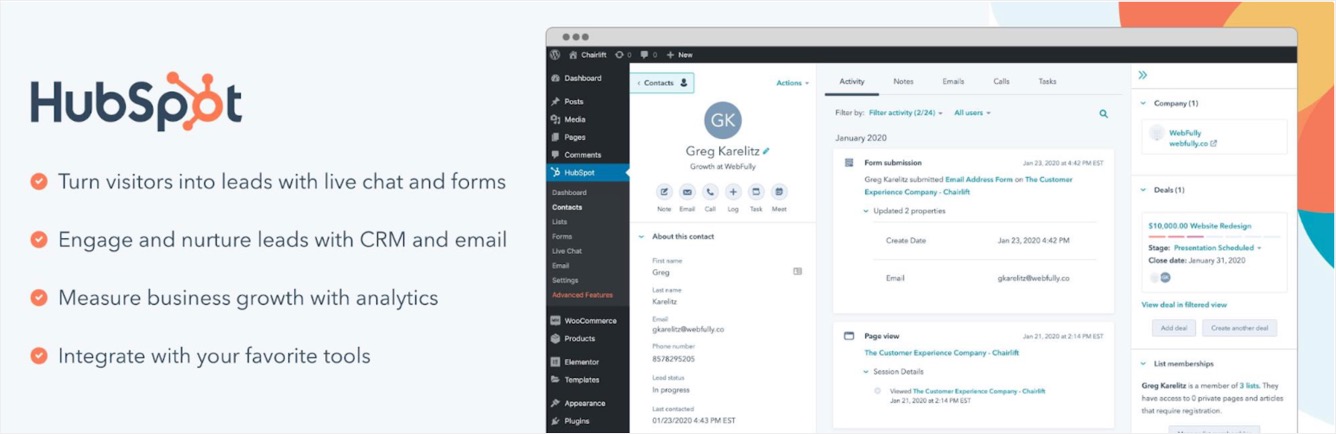
For businesses that want to connect newsletter subscriptions with their broader sales and marketing processes, this integrated approach can be useful. For example, you can collect contact details through forms and manage those contacts within HubSpot. Email marketing capabilities and limits depend on the products and subscription plan you select.
- Create forms for collecting visitor information.
- Manage contacts using CRM tools.
- Connect website activity with contact records.
- Integrate with supported marketing features.
- Use available email marketing and automation tools.
- Access reporting and analytics features.
10. Hustle
Hustle is a WordPress marketing plugin that helps website owners grow their email lists using subscription forms, popups, slide-ins, and embedded opt-in forms. Developed by WPMU DEV, it focuses on lead generation and converting website visitors into subscribers. The plugin provides customizable templates and display settings, allowing you to create newsletter signup campaigns that match your website’s design. You can also control when and where subscription forms appear, such as displaying a popup after a visitor spends some time on a page or scrolls through an article.

Hustle integrates with popular email marketing services, including Mailchimp, MailerLite, Brevo, MailPoet, and HubSpot. This allows you to collect subscribers through your WordPress website and connect them to your preferred email marketing platform.
- Create newsletter subscription forms, popups, and slide-ins.
- Customize forms using ready-made templates and styling options.
- Display subscription campaigns based on visitor behavior and page conditions.
- Use exit intent triggers to encourage visitors to subscribe before leaving.
- Integrate with popular email marketing services.
- Track form impressions and conversions.
- Add subscription forms using widgets, embeds, and shortcodes.
How to Choose the Right Newsletter Subscription Plugin?
With so many options available, the best choice depends on how you plan to collect subscribers and communicate with them.
1. Decide Whether You Need a Newsletter or Just a Subscription Form
If you only want to collect email addresses, a lightweight subscription form connected to an external email marketing platform may be sufficient. However, if you want to create newsletters, send automatic post notifications, and manage subscriber lists from WordPress, consider a more comprehensive plugin such as MailPoet or Newsletter.
2. Consider Your Email List Size
Some services limit the number of subscribers or emails you can send on their free plans. Others allow larger lists but require you to configure an external email delivery service. Before choosing a plugin, estimate how many subscribers you expect to collect and how frequently you plan to send newsletters. Consider both subscription limits and sending limits, as they are not the same.
3. Check Email Automation Features
Automation can save time by sending emails when specific events occur. For example, you might want to send a welcome message when someone subscribes or notify readers when you publish a new article. If you need more advanced workflows, segmentation, and targeted communication, FluentCRM, MailPoet, or a hosted platform such as Brevo may be worth considering.
4. Check Email Delivery Requirements
Installing a newsletter plugin does not automatically guarantee that your emails will reach subscribers’ inboxes. Some plugins use their own sending infrastructure, while others require you to connect an SMTP server or email delivery service. For reliable delivery, configure an appropriate sending provider and authenticate your sending domain using SPF, DKIM, and DMARC where applicable. Also, follow email marketing regulations and use appropriate consent and unsubscribe practices.
5. Consider Your Budget
A free plugin may be sufficient for a small website, but paid features can become useful as your email list grows. Compare the complete cost, including plugin licensing, email delivery, subscriber limits, and any external marketing service you need. Do not choose a plugin based only on its initial price and consider the total cost of sending newsletters regularly.
Final Thoughts
A newsletter subscription plugin can help you turn occasional website visitors into a long-term audience. However, the best option depends on whether you need simple signup forms, a complete newsletter system, advanced automation, or an external email marketing platform. Before making a final decision, compare the features, current pricing, email delivery options, and subscriber limits of your shortlisted plugins. Finally, choose a solution that fits your current needs while giving you room to grow your email audience over time.