There are several methods to access ChatGPT, depending on your needs and preferences. Though most of you know the web access, it is even possible to call or connect with WhatsApp. Here are the most common ways and find which one is convenient for you. If you are logged in with your account, all chat conversations will be synchronized and can be accessed through all channels.
1. OpenAI Website
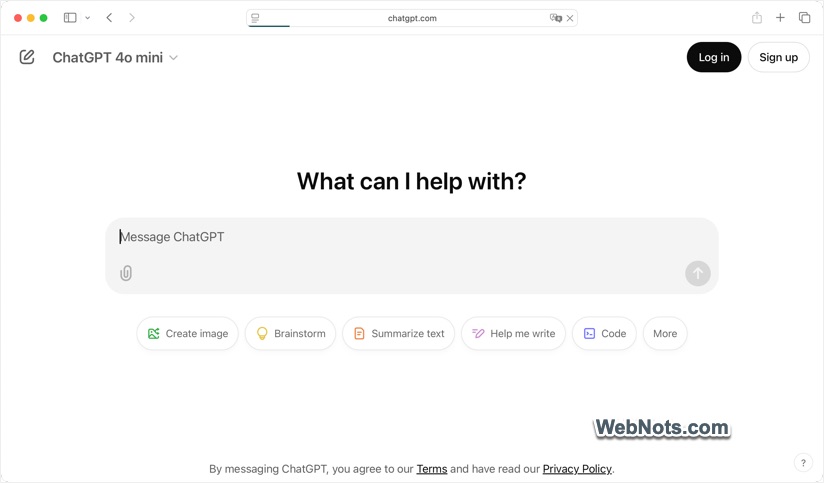
This is the first and most popular option. Simply go to chatgpt.com in your browser. Login with your OpenAI account and start the chat conversation. You can use any browser app on any platform like desktops, tablets, and mobile browsers.
2. Mobile Apps
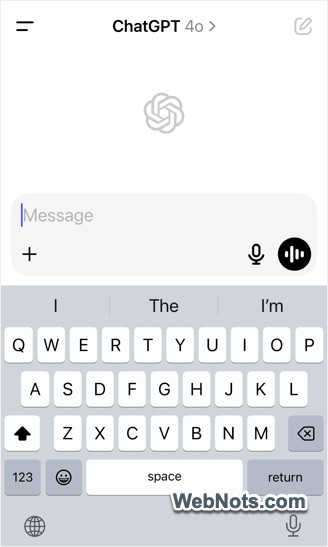
OpenAI offers official mobile apps for both iOS and Android. Go to Apple App Store or Google Play Store to install the app on your smartphone. This is an option to chat on the go and use voice inputs to interact faster.
3. ChatGPT Desktop Apps
Desktop apps are easier to upload files, take screenshots and do web search.
- On Windows PC, you can download and install the official ChatGPT app from Microsoft Store app.
- For Mac, go to OpenAI website and download the DMG installer file. However, you need M series chip with macOS 14 or later to install the app.
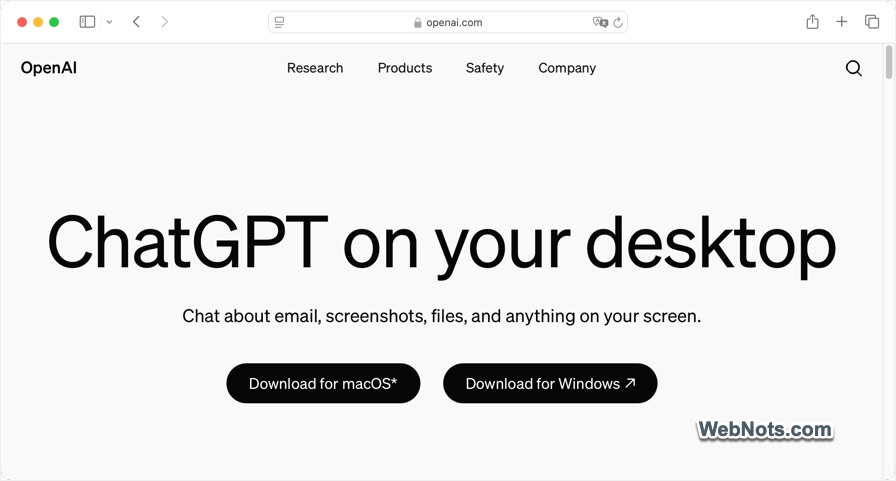
You can launch ChatGPT using “Alt + Space” in Windows and “Option + Space” in Mac. In addition, macOS apps like Xcode and Terminal are integrated with ChatGPT to increase your productivity.
4. Call to Chat
This is a quick option if you want to have an answer to your query over a phone call.
- Simply call 1-800-242-8478 or 1-800-CHATGPT and start your conversation with ChatGPT.
- It works in US and Canada.
- However, you have only 15 minutes limit per month.
5. Chat in WhatsApp
If you are not in US or Canada, then you can use the same phone number 1-800-242-8478 in WhatsApp. Add the contact from your WhatsApp account and start the conversation. Alternatively, scan the below QR code in WhatsApp to add ChatGPT in your contact list. OpenAI will apply a daily message limit dynamically based on the message load situation.

Note: Both WhatsApp and calling support only text-based conversations and do not support features that require logging in to your ChatGPT account.
6. Through Third-Party Integrations
There are large number of apps and services offer ChatGPT integration directly or indirectly. Here are some examples:
- You can use ChatGPT powered Microsoft Copilot in Windows PC and other products like Word, and Excel. Copilot does not need you to have OpenAI account though you need a Microsoft account.
- Similarly, Apple allows to integrate ChatGPT extension as part of Apple Intelligence with or without using OpenAI account.
- There are also numerous extensions available for browser apps integrating ChatGPT for tasks like writing assistance, summarizing webpages, etc. For example, OpenAI has an extension for changing default search engine in Chrome browser and chat / search with ChatGPT instead of Google.

These third-party options are best suited for specific purposes and when you are not able to access ChatGPT directly.
7. Using API Integration
Developers can easily integrate ChatGPT into their applications using OpenAI’s API. Simply visit the OpenAI Platform portal to get the API keys, which can be used to power custom applications, workflows, or websites. While API integration is more relevant for developers than end users, you (as an end user) might still interact with ChatGPT unknowingly when engaging with customer support systems or task automation bots.
Final Words
Each method caters to different users, from casual conversations to complex technical applications. Mobile and desktop apps are convenient ways though you can choose the one that best fits your needs.