A powerful note-taking app can be transformative. Whether you’re a student, professional, creative, or lifelong learner, your notes are the building blocks of bigger ideas. The best apps do more than simply store text – they let you organize ideas, add multimedia, collaborate, and search your knowledge base with ease. This comprehensive guide explores the top note-taking apps for Mac, highlighting their distinguishing features, strengths, and ideal use cases.
Factors to Consider When Choosing a Note-Taking App
With so many outstanding choices, including Apple’s own Notes app, here are some factors to help you decide:
- Integration: How well does the app fit into your workflow and other services? For example, Notes app can be integrated with ChatGPT app.
- Organization: Do you prefer hierarchical folders, tags, or freeform structures?
- Platform Support: Need access on Windows or mobile devices?
- Collaboration: Will you be sharing notes or working with a team?
- Search and Retrieval: Is it easy to find what you wrote months ago?
- Price: Consider free vs. paid options and any subscription costs.
1. Notes (from Apple)
Notes is the default note-taking app on all Mac devices, offering deep integration with the macOS ecosystem. It’s reliable, straightforward, and surprisingly feature-rich.
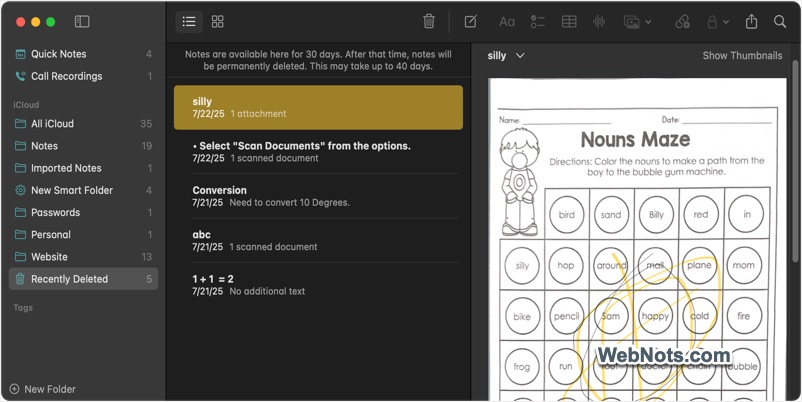
- The app launches quickly and lets you jot down ideas instantly (use “Fn / Globe + Q” keys to launch a quick note).
- Easily add headings, lists, tables, checklists, and attachments like images, PDFs, and drawings. Even you can create grocery lists in Notes app.
- Use folders, tags, and smart folders to keep notes neatly categorized. Lock personal items with Mac’s admin password.
- All notes sync across iCloud, making them available on your iPhone, iPad, and Mac seamlessly.
- Share notes for collaborative editing in real-time.
Best for: Mac users who value simplicity and seamless integration with other Apple devices.
2. Evernote
Evernote has been a mainstay in the note-taking world for good reason. It excels in organizing large volumes of notes, web clippings, documents, and more.
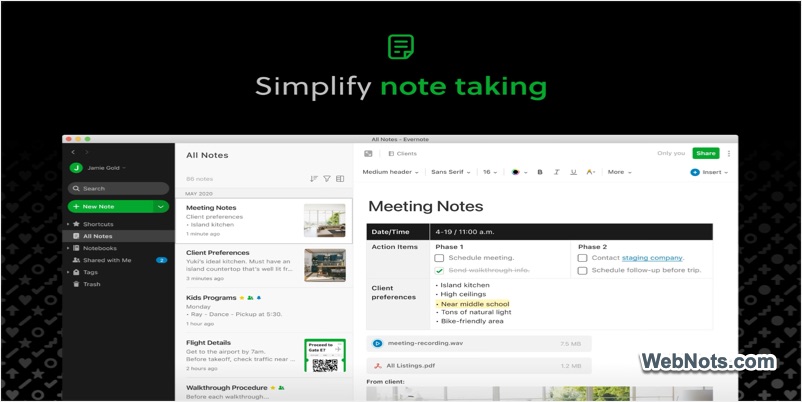
- Supports text notes, voice memos, hand-drawn sketches, and even scanned documents.
- Instantly search across all notes, even hand-written text in images or documents.
- Save articles, screenshots, and PDFs from the web directly to your notebooks.
- Use stacks, notebooks, and tags to manage projects and subjects efficiently.
- Access your notes on Mac, Windows, iOS, Android, and the web.
Best for: Users needing robust organization, advanced search, and the ability to archive a wide range of content types.
3. Microsoft OneNote
Microsoft OneNote is a free (some features need Microsoft 365 subscription), powerful, and flexible note-taking solution well-suited for those who like to organize information visually.
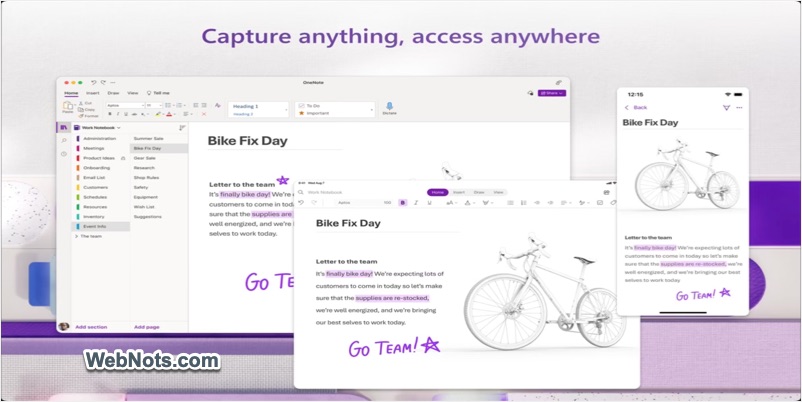
- Organize notes into notebooks, sections, and pages for a familiar, paper-like structure.
- Place text, images, tables, and drawings anywhere on the page.
- Especially useful with stylus-equipped iPads for sketching and annotating.
- Share notebooks and collaborate with colleagues or classmates in real-time.
- Seamless connections to Outlook, Word, and other Office apps (very useful with premium Microsoft 365 subscription).
Best for: Visual thinkers and those invested in the Microsoft ecosystem.
4. Notion
Notion blends note-taking, project management, and database features into a single customizable workspace.
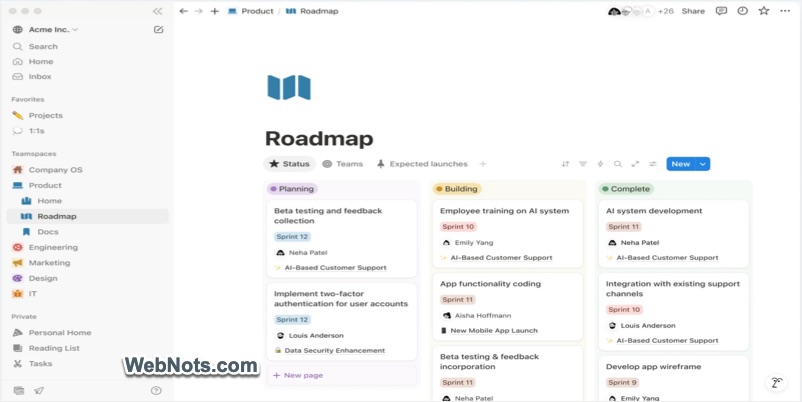
- Notes, to-dos, databases, wikis, and even project boards within one app.
- Build your own workflows with easy-to-use blocks and templates.
- Work with teams on shared pages and projects, control permissions, and leave comments.
- Supports embedding images, videos, code, and more.
- Available on Mac, Windows, iOS, and the web.
Best for: Users who want a flexible, multi-functional tool for notes, projects, and collaboration.
5. Bear: Markdown Notes
Bear is a beautiful, markdown-based note-taking app that’s beloved for its simplicity, elegance, and power-user features.
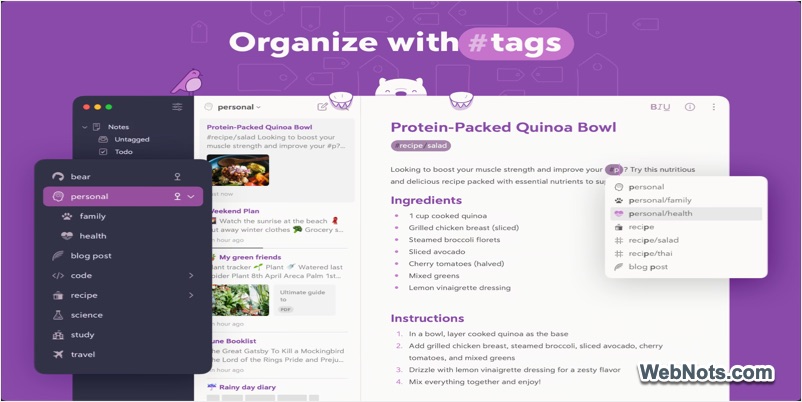
- Write with rich formatting using simple syntax.
- Organize notes with hashtags, making navigation quick and effortless.
- Link notes together to build a personal knowledge network.
- Distraction-free writing that helps you concentrate.
- Export notes to PDF, HTML, DOCX, and more.
Best for: Writers, bloggers, and anyone who loves clean, distraction-free interfaces.
6. Obsidian
Obsidian is a newer contender that has quickly gained a following among knowledge workers, researchers, and writers for its focus on linking ideas.
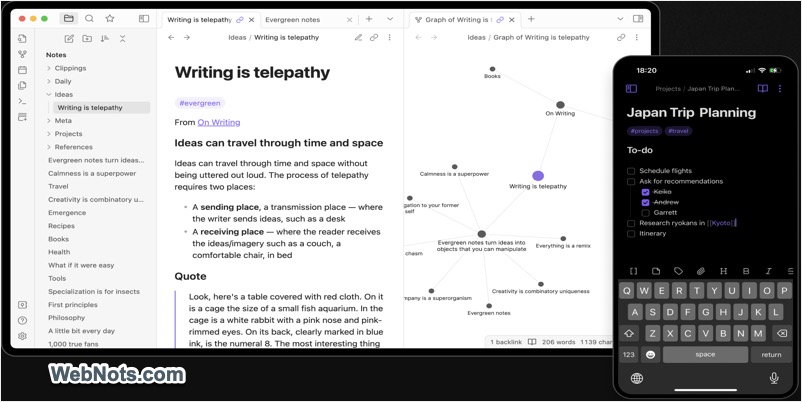
- All notes are saved as plain-text Markdown files on your device.
- Create a network of connected notes for deep research and personal knowledge management.
- Visualize the relationships among your notes.
- Hundreds of community plugins and themes.
- No cloud dependence unless you choose to sync.
Best for: Academics, researchers, and those who want to build a “second brain.”
7. Simplenote – Notes and Memos
True to its name, Simplenote offers a clean, no-frills experience for fast, cloud-based note-taking.
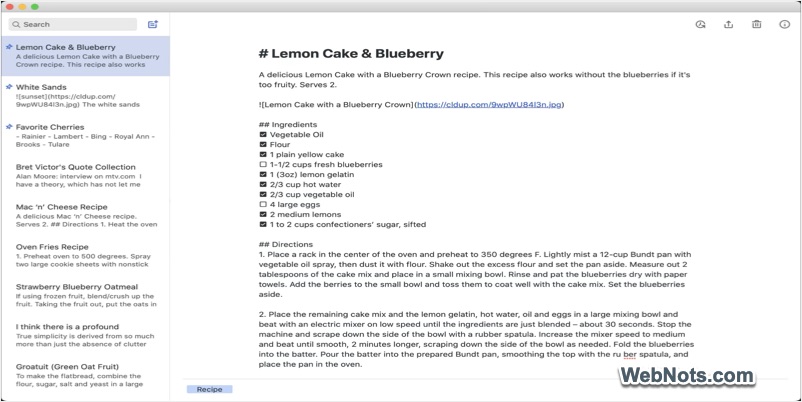
- Focus on writing without distractions.
- Notes sync instantly across devices.
- Roll back to previous versions of your notes.
- Quickly categorize and find notes.
- No premium tiers – enjoy all features at no cost.
Best for: Users who want a simple, quick, and consistent note-taking experience across all devices.
8. GoodNotes 6: AI Notes and Doc
Popular among students and professionals who enjoy handwriting, GoodNotes brings the natural feeling of pen and paper to your Mac.
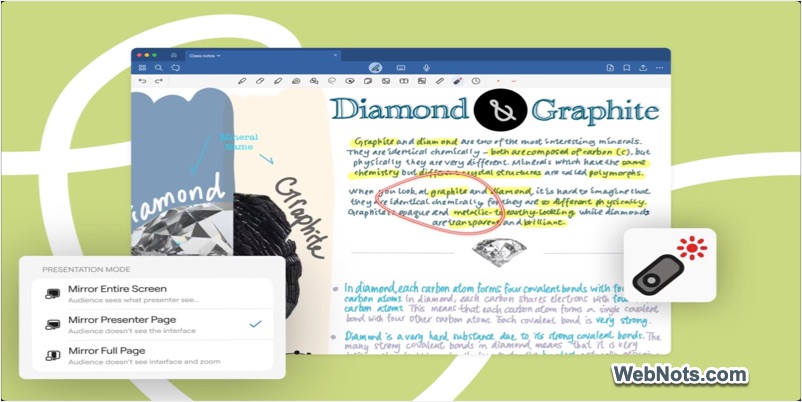
- Annotate PDFs, sketch ideas, and write naturally.
- Create digital notebooks, folders, and favorites.
- Works with iPad and iPhone for note-taking anywhere.
- Your handwritten notes are indexed for search.
Best for: Those who prefer handwriting and digital paper.
Conclusion
The best note-taking app is the one that aligns perfectly with your needs. Whether you want a simple, distraction-free environment, a robust system for organizing knowledge, or an all-in-one workspace for teams, there’s a Mac app tailored for you. Explore these options, take advantage of free trials, and soon you’ll find the perfect companion to capture your thoughts and ideas. Remember that Apple Notes app is part of macOS ecosystem and you can’t delete it. By choosing another app, you’ll be ending up having two apps on your Mac which can’t be avoided.