In our earlier article, we have reviewed Wix website builder and explained how to create your site using AI and manual options. Building a website on Wix is a seamless experience thanks to its drag-and-drop editor, customizable templates, and a range of built-in tools. However, to maximize the potential of your Wix site, integrating the right apps can make all the difference. Whether you want to enhance your site’s functionality, improve user engagement, or drive more traffic, these 10 apps will take your Wix site to the next level.
Installing Apps in Wix Site
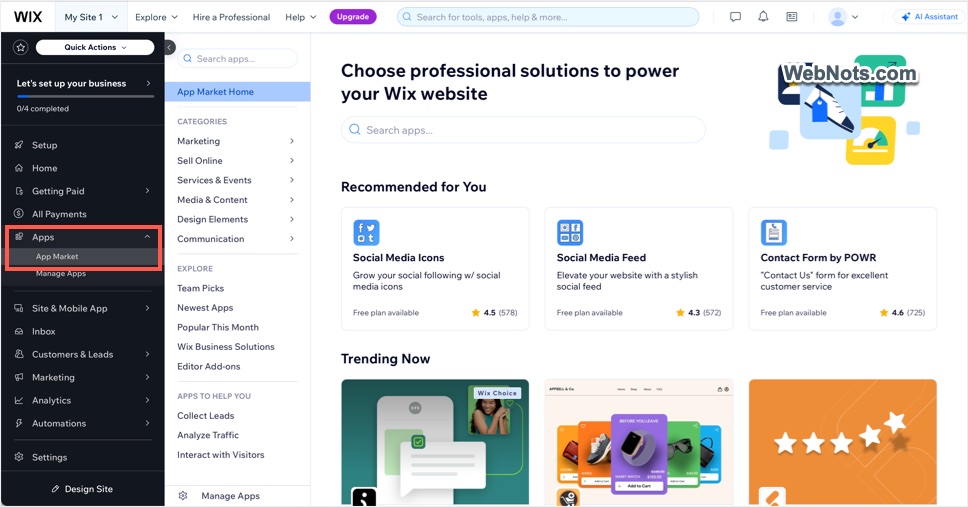
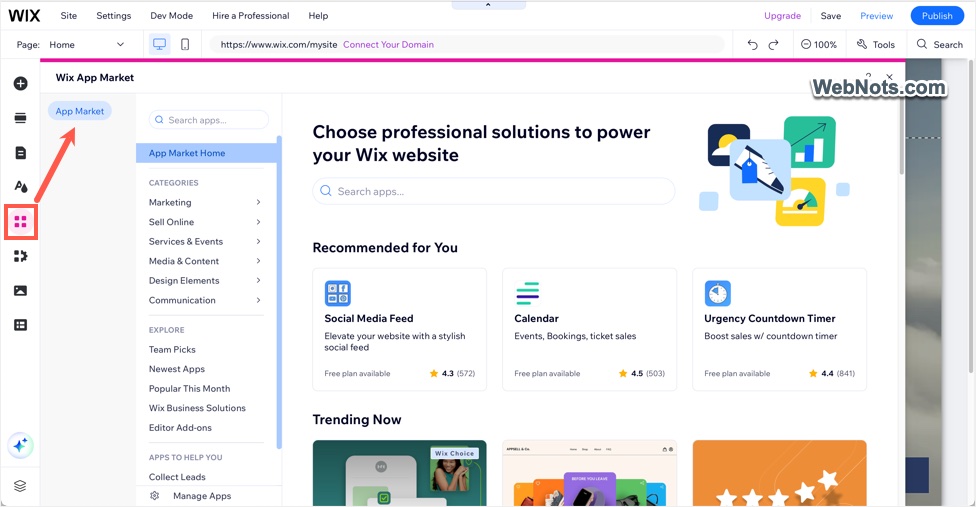
Wix provides a vast selection of apps through its dedicated App Market. The offering includes both Wix-owned and third-party apps to enhance your site’s functionality. These apps can be easily installed directly from your dashboard or within the editor.
- From Dashboard – go to “Apps > App Market” to find and add an app to your site.
- From Editor – go to “Add Apps > App Market” and get the required app.
Below is the summary of top 10 apps you should try by navigating to the mentioned category sections. Some of the apps might be preinstalled on your site depending on the template you choose to build your site.
| Sl. No. | App | Category |
|---|---|---|
| 1. | 123 Form Builder & Payments | Communication > Forms |
| 2. | Wix Stores | Sell Online > Stores |
| 3. | Wix Chat | Communication > Chat |
| 4. | Web-Stat | Marketing > Analytics |
| 5. | Rabbit SEO Traffic Booster | Marketing > SEO |
| 6. | Wix Blog | Communication > Blog |
| 7. | Social Media Icons | Marketing > Social |
| 8. | Wix Events & Tickets | Services & Events > Events |
| 9. | Popup, Coupon & Discounts by Popify | Marketing > Conversion |
| 10. | Wix Multilingual | Media & Content > Content Services |
Though you can install all these apps for free, some need to be upgraded for getting all features.
1. 123 Form Builder & Payments
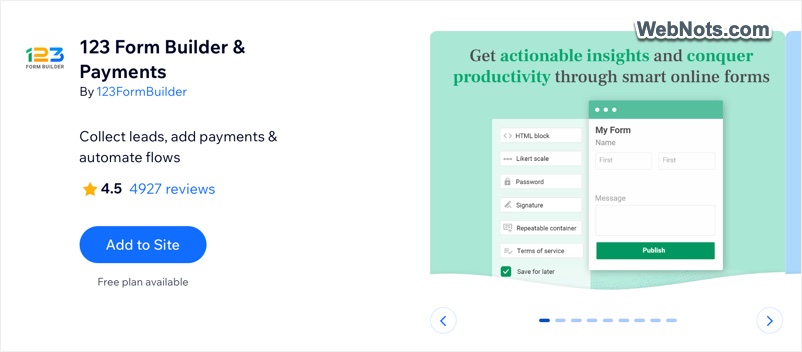
This app is something like contact form plugins used with WordPress sites. Though there is a Wix Forms app that comes preinstalled with most of the templates, we strongly recommend you trying 123 Form to get better experience with form building. It allows you to create custom forms that help you gather information, leads, and feedback from visitors. With 1000+ pre-designed templates for everything from quiz, contact forms to surveys, it’s easy to integrate into your site. You can also automate responses to streamline interactions.
- Drag-and-drop form builder.
- Conditional logic for personalized form experiences.
- Integration with popular payment gateways and other services like MailChimp, Google Drive, Dropbox, etc.
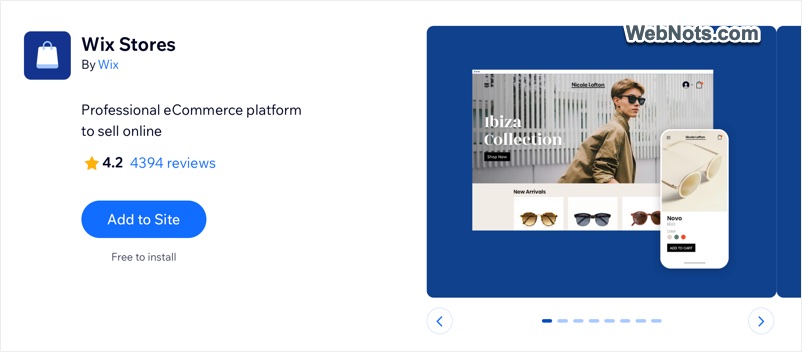
2. Wix Stores
Wix Stores is a comprehensive solution, for those looking to sell products or services. It supports multiple payment gateways, customizable product pages, and inventory management. You can even integrate marketing tools to drive sales. Note that all Wix ecommerce features listed on their pricing plans page need this app to be installed on your site.
- Sell physical or digital products with secure payment options.
- Built-in coupon and discount functionality.
- Manage all online store needs like inventory, shipping, listing on social platforms and sales analytics.
3. Wix Chat
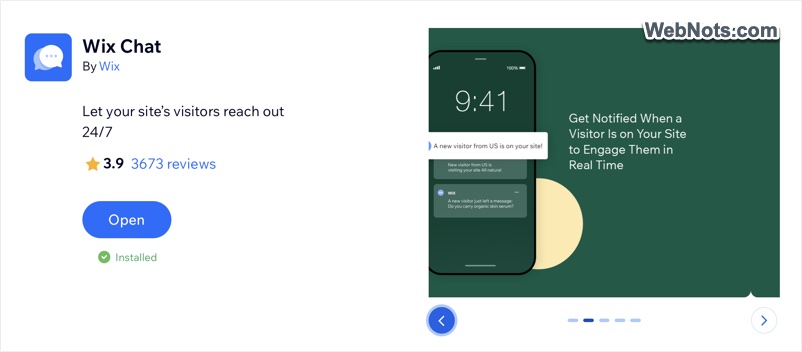
Enhance customer communication with Wix Chat, which enables real-time interactions. It is particularly useful for businesses needing instant responses to customer inquiries. The app can also automate responses when you are offline.
- Automated greetings to visitors.
- Get notifications on events like visitors on site, sales, etc.
- Back and access the chat conversations anywhere.
4. Web-Stat
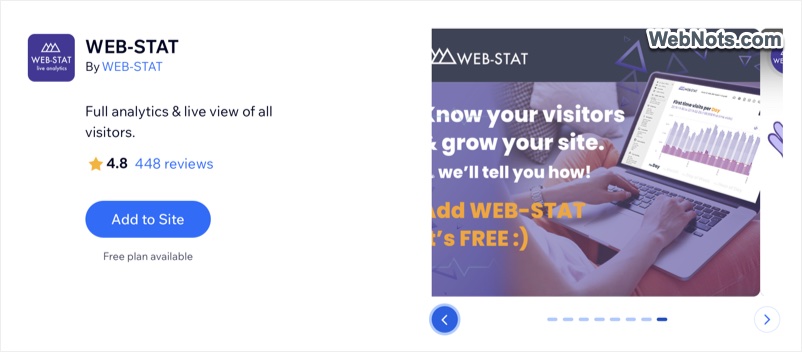
Understanding your audience is key to growing your site. However, setting up and using complex things like Google Analytics may not be the solution for all. Web-Stat is a third-party app provides real-time data on who is visiting your site, how they are interacting with it and which pages are performing best.
- Detailed analytics of data based on various parameters like location, referrer, etc.
- Show visitor map and counter.
- Get traffic reports in email.
5. Rabbit SEO Traffic Booster
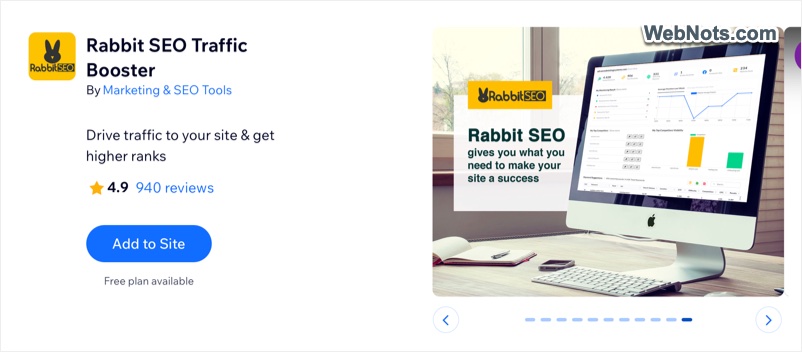
Wix already offers basic and advanced page level SEO settings to optimize for search engines. However, getting your site discovered on search engines can be challenging, but Rabbit SEO simplifies the process. It provides all necessary steps to help your site rank higher on search engines.
- Find appropriate keywords and optimize content, especially landing pages.
- Optional backlink building to boost your backlink profile.
- Track keywords and rank changes with the option to get daily report on email.
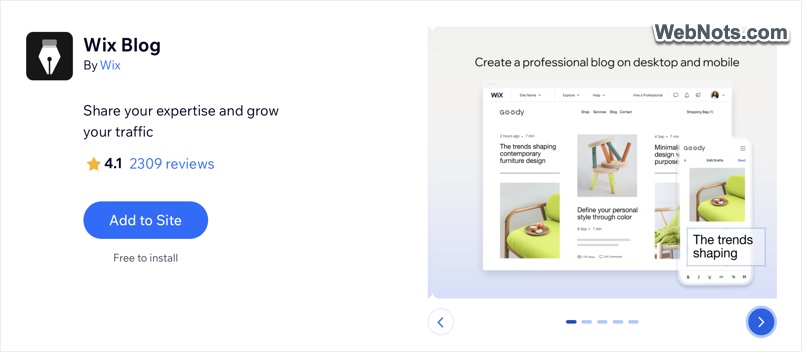
6. Wix Blog
Ideally, blog should be part of the website management setup. However, platforms like Wix target business users who want to build an online store. So, you need to install Wix Blog app to integrate blogging features to your site. A blog can significantly boost your site’s SEO and establish your authority in your niche. With pre-designed layouts and easy social sharing options, it is a must-have for content-driven sites.
- Paywall subscription option to monetize your blog posts.
- Customizable blog templates with commenting, social icons and built-in RSS feed.
- Post quickly with Wix mobile app.
7. Social Media Stream
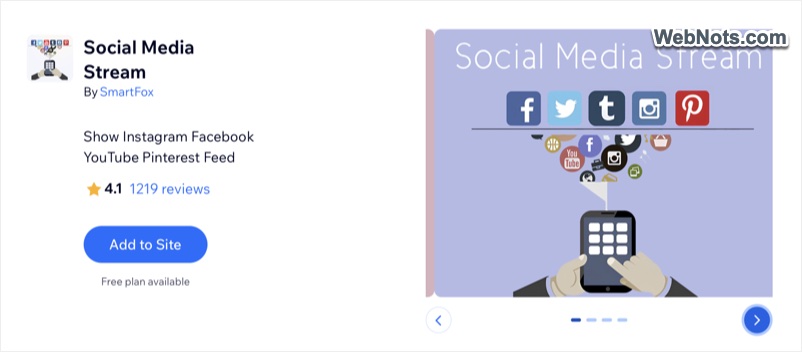
If you are active on social media, Social Media Stream app helps to showcase your latest posts directly on your website. It keeps your site dynamic and encourages visitors to follow you on different platforms.
- Integration with major social media platforms like Instagram, Facebook and YouTube.
- Mobile responsive with customizable display options.
8. Wix Events & Tickets
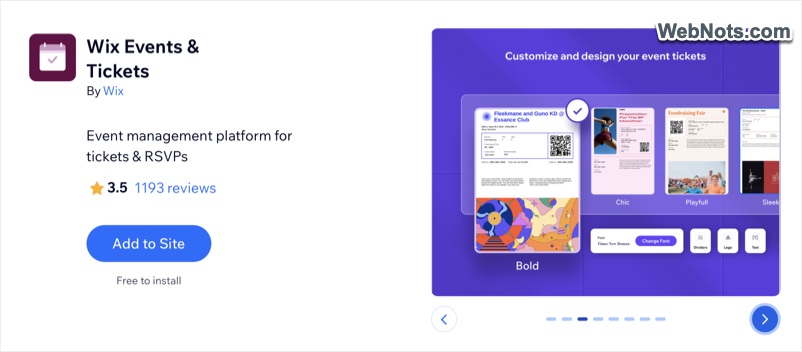
Perfect for businesses or individuals hosting events, Wix Events lets you create event pages, sell tickets, and manage RSVPs. It is ideal for webinars, workshops, and live events. You can host online or physical events and manage guests to check-in through mobile.
- Ticketing and payment integration with Wix Payments.
- Create seating map and ticket with logo.
- Event analytics to monitor sales, visits and form submission.
9. Popup Coupon & Discounts by Popify
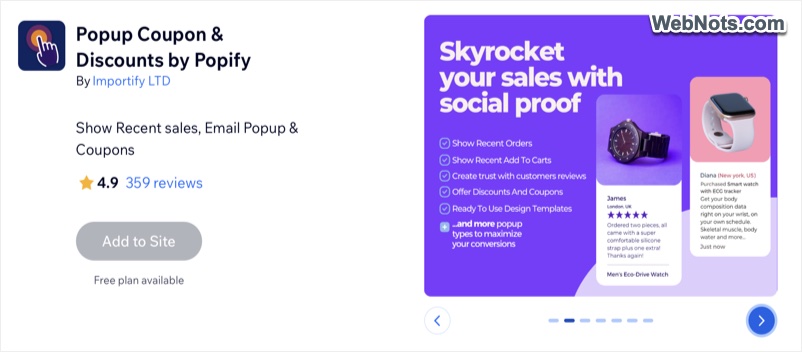
This is an add-on when you have Wix Stores or any other ecommerce related app. However, it is not just a pop-up builder tool and helps to show user activities like sales and improve trustworthiness of your store. You can customize the pop-up design and timer to match your site’s layout.
- Show discounts and coupons pop-up.
- Exit-intent pop-ups, email campaign integration.
- Possible to show customer reviews.
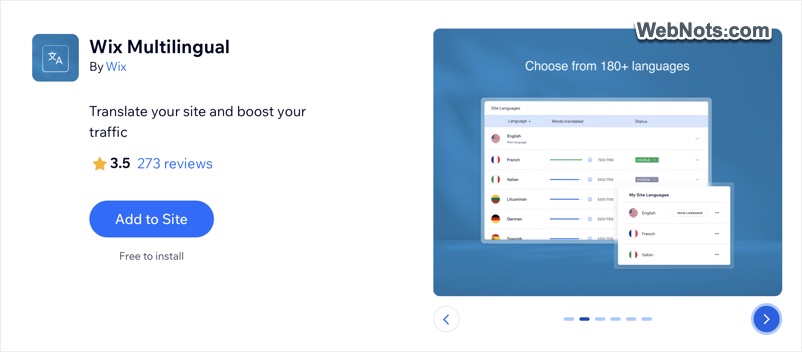
10. Wix Multilingual
The last item in our list is for converting your site to a multilingual version. This is very useful if you want to show your site’s content or products globally as well as locally in your geographical region. You can either use this app from editor for in-content translation or from the dashboard for side-by-side translation. There are 3000 free credits for using automatic translation and after that you need to purchase credits or manually translate your content.
- Translate your site to 180+ languages with proper URL structure.
- Use machine translation or use a collaborator.
- Auto detect browser language to show content accordingly.
Conclusion
Integrating these apps into your Wix site can enhance its functionality, streamline your operations, and improve user engagement. As mentioned, some of these might be already installed on your site and also you do not all of them on a single site. Before installing any app from Wix App Market, make sure to check the followings:
- Available language and country, especially when you look for apps in different language other than English.
- User reviews & feedback to avoid adding buggy apps to your site.
- Whether the app can be used on free site or needs Wix premium plan.
- Free availability or needs additional payment.