Though WordPress is a powerful blogging platform powering more than 40% of sites in the world, the fact is that it does not offer some basic SEO features. For example, you can’t add meta description to each article with the default WordPress installation. You also can’t add breadcrumbs, hide archives (tags, authors and date) from search engines, remove category from category URLs and disable this attachment pages. Good thing is that you can use one of the free SEO plugins to show your site properly in search engine result pages (SERPs).
SEO Plugins for WordPress
These plugins allow search engines like Google and Bing to properly crawl and index your pages. They tell these search engine spiders and crawlers what your website is all about by adding proper schema. In this article, we will explore the features offered by top 10 SEO plugins available for WordPress. The first five plugins in the list are packed with large number of features while the rest are for specific purposes. Make sure to use one packaged plugin that fulfills most of your requirements and install additional plugins for specific needs. Also, check out the article on optimizing WordPress site with our free WordPress SEO guide.
1. Yoast SEO
Yoast SEO is one of the original and oldest SEO plugins available in free WordPress repository. Over period the plugin also added many features including readability, link count, schema and integration with platforms like Search Console, Semrush, etc. Below are the features you will get:
- Automatic XML Sitemap creation and disable default WordPress Sitemap.
- Page analysis for SEO and readability.
- Preview mobile and desktop search results in Google.
- RSS optimization and social integration.
- Internal link count for each article.
- Meta description and title setup.
- Show or hide single post, page, category, tag and other archives.
- Advanced crawling optimization.
- Site wide as well as single block for breadcrumb.
- How-to and FAQ schema enabled blocks.
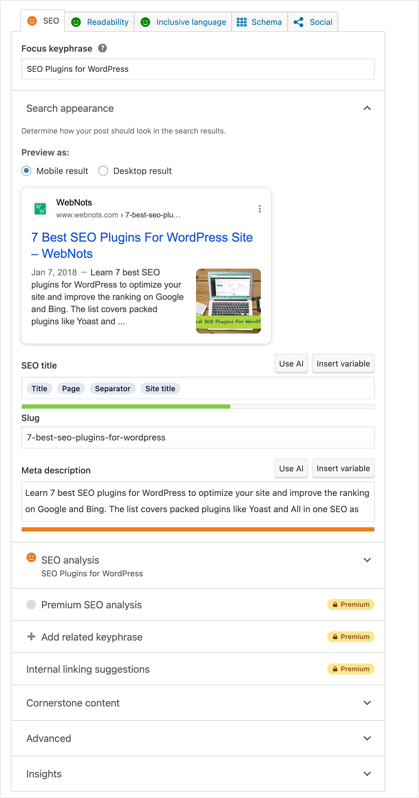
Each article has an option to add “Focus Keyword” and the plugin will analyze your content based on the keyword. You can find the signal system shows green / yellow / red along with detailed information based on which you can optimize the content.
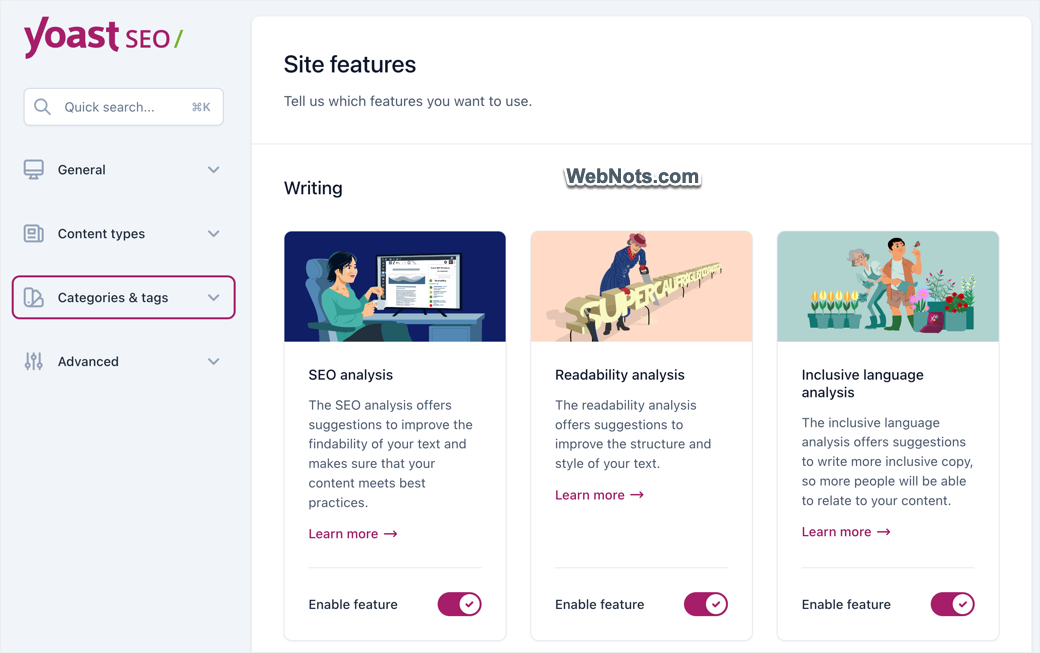
Another advantage is that you can disable modules that you do not want to use and enable only required modules from the settings page.
Only problem with Yoast SEO is that some useful features like Redirect Manager, are available only in the Premium version. You can get redirect management for free with Rank Math and some other SEO plugins. Yoast also reserves most AI-powered features for its paid plans. Another factor to consider is the ownership. Yoast was acquired by Newfold Digital in 2021 (earlier known as Endurance International Group or EIG), the same company behind brands like Bluehost, HostGator, and Domain.com. If you already have concerns about Newfold Digital’s products or services, this may be something to consider when choosing an SEO plugin.
2. Rank Math SEO with AI SEO Tools
Frankly, Rank Math was started as a copy cat plugin by mimicking all Yoast SEO features. However, later it becomes an alternate to Yoast with the top-notch free tools and AI optimization. You can get the following features:
- Content AI – starting from analyzing your content, rewriting and summarizing articles, write meta description and titles, you can use AI tools in Rank Math for those tasks Free plugin comes with limits credits and you need to purchase additional credits by paying a nominal fee.
- Enable or disable required modules.
- 404 monitoring and automatic redirection setup when you modify slugs.
- Integration with bbPress, BuddyPress, Advanced Custom Fields, etc.
- Automatic submission to Bing using IndexNow.
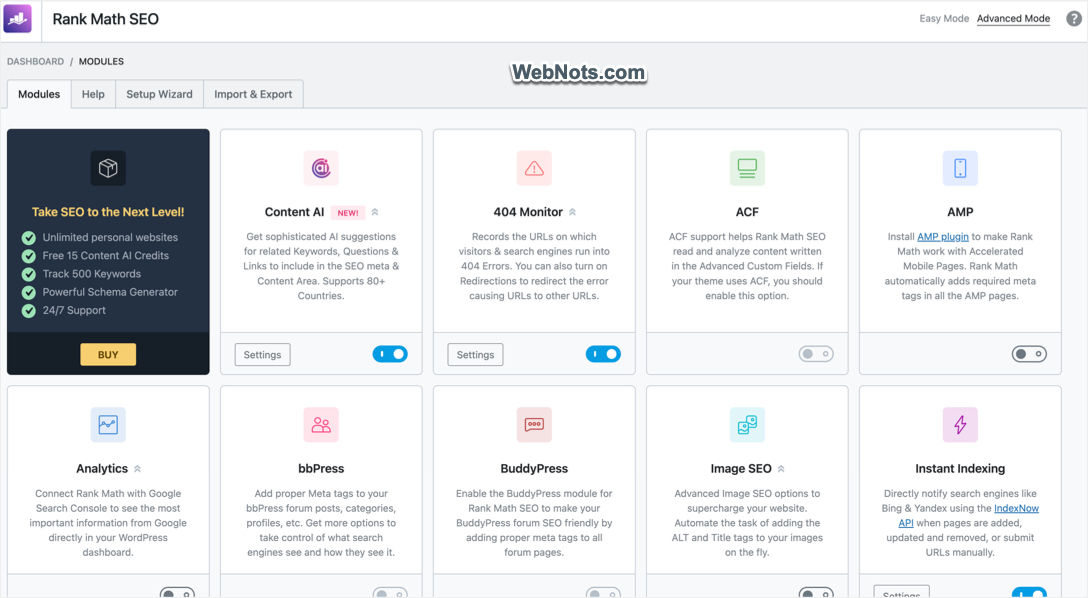
You can adjust the title / meta description for individual post or in bulk. Note that Rank Math and popular products like WP Rocket, SocialPilot, GTmetrix, BackWPup, Imagify, and RocketCDN are all part of the group.one family. So, if you are already using any of these products, it may be convenient to add Rank Math to your account.
3. All In One SEO
This is another oldest plugin available for more than a decade. The free version offers similar features like Yoast and Rank Math.
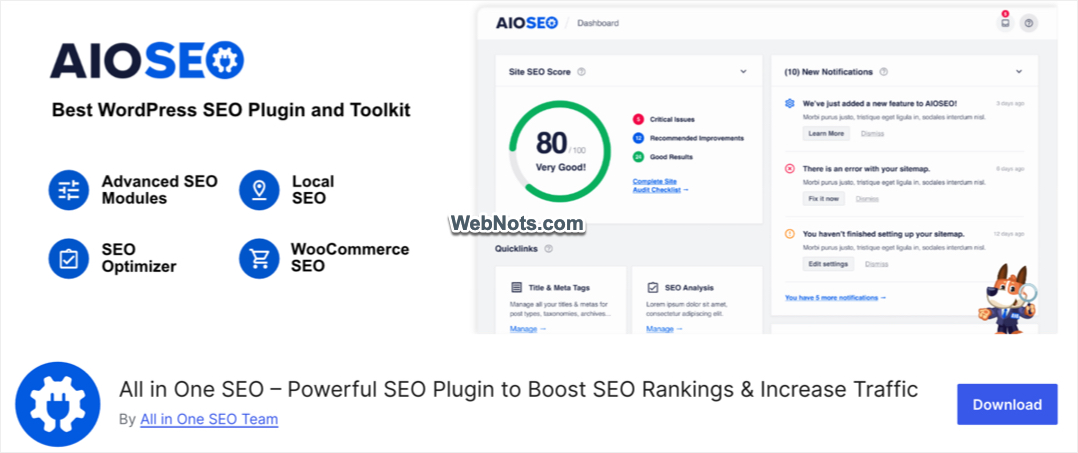
Here are the features you will get:
- AI assistance for writing titles and meta descriptions.
- Track traffic and ranking for keywords.
- Automatic XML Sitemap generation including video and news Sitemaps.
- Internal link assistant to suggest articles to link.
- Schema integration for FAQ, product, recipe, etc.
- Redirection setup and 404 monitoring.
- Integration with WooCommerce, Search Console, etc.
- Robots.txt file editor.
One of its strengths is the level of support available through the free WordPress support forum, which we have found to be particularly good compared with some competing SEO plugins. It is also part of the Awesome Motive family, which includes popular WordPress products and services such as OptinMonster, WPForms, MonsterInsights, Easy Digital Downloads, Thrive Themes, aThemes, PushEngage, and WPBeginner website. If you already use products from the Awesome Motive family, you may find it convenient to build your website around their ecosystem, although the level of integration varies between products.
4. SEOPress
SEOPress is a powerful, lightweight WordPress SEO plugin that provides a broad range of on-page and technical SEO features without adding unnecessary complexity.
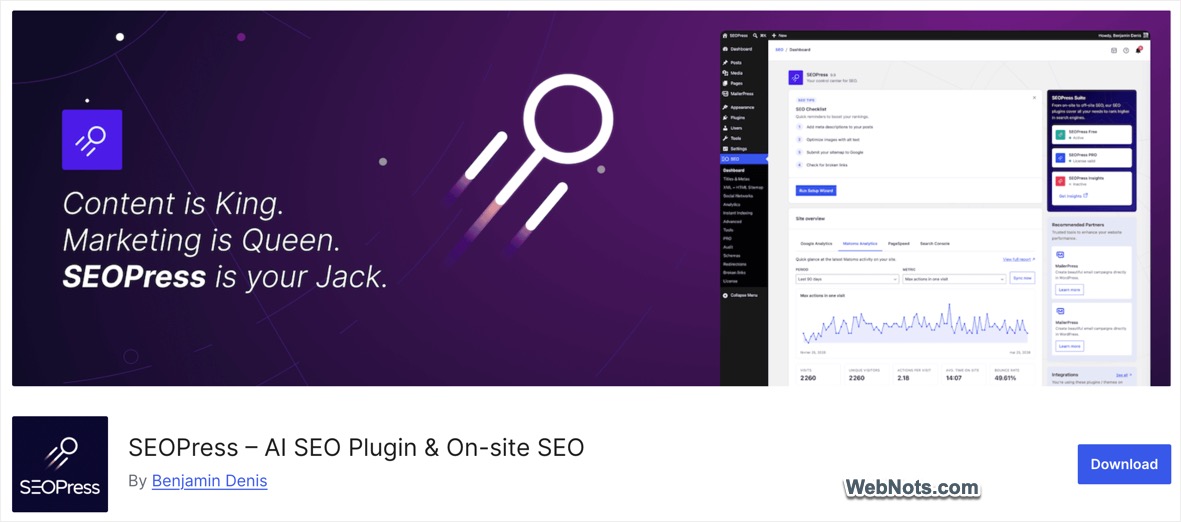
The key features include:
- Content analysis with unlimited target keywords.
- Custom canonical URLs and meta robots controls.
- XML sitemaps for search engines, HTML sitemap for site navigation and accessibility, and image XML sitemap for Google Images.
- Redirections, URL cleanup options, and Image SEO.
- Integrations with Google Analytics 4, Matomo, Microsoft Clarity, Google Indexing API, and Bing IndexNow.
- Llms.txt and Agent Readiness features for AI search.
- Modular settings that allow individual features to be enabled or disabled.
- White-label functionality and a privacy-focused approach.
The free version already covers many of the SEO requirements of a typical WordPress website. SEOPress PRO adds more advanced capabilities, including a full redirect manager, 404 monitoring, broken-link checking, advanced Schema.org controls, Local SEO, WooCommerce SEO, Google Search Console data, internal linking suggestions, site audits, and AI-powered metadata generation.
5. The SEO Framework
The SEO Framework is a lightweight, automated WordPress SEO plugin designed for users who want essential SEO features without ads, tracking, bloat, or aggressive upselling. It automatically configures many SEO settings while still giving you manual control.

Key features include:
- Automatic SEO title and meta description generation with custom options.
- XML sitemap generation, robots meta settings, including noindex and nofollow controls.
- SEO Bar showing important SEO information directly in the WordPress editor.
- Bulk and Quick Edit support for SEO settings.
- Support for WordPress Multisite, RTL languages, and Headless WordPress.
- White-label interface with no visible plugin branding in the WordPress dashboard.
One of the main advantages of The SEO Framework is that the core plugin is completely free without ads. There is no conventional premium version of the plugin. Instead, additional functionality is available through its Extension Manager, which provides a combination of free and paid extensions.
6. CrawlWP SEO
CrawlWP is a smart WordPress SEO plugin designed to help your website’s content get indexed faster and perform better on search engines. This plugin connects your site directly with Google Search Console and Bing Webmaster Tools to give you valuable SEO insights such as showing which pages are indexed, which aren’t, and how your site is performing in search results.
It automatically notifies search engines like Google and Bing whenever you publish or update content, ensuring your WooCommerce products, blog posts, and pages are discovered quickly. The plugin also includes an index status indicator for every post, helping you track visibility at a glance.
- Lightweight, fast, and beginner-friendly.
- Automatic URL submission to Google, Bing, Yandex and other search engines.
- Index status indicator for posts, pages, and products.
- Auto-indexing of new and updated content.
- Monitor and track high performing keywords with a neat dashboard.
7. Smush Image Optimization
Smush is a free plugin that helps to optimize all images on your WordPress site. You can compress the images to save server bandwidth and load the pages faster.
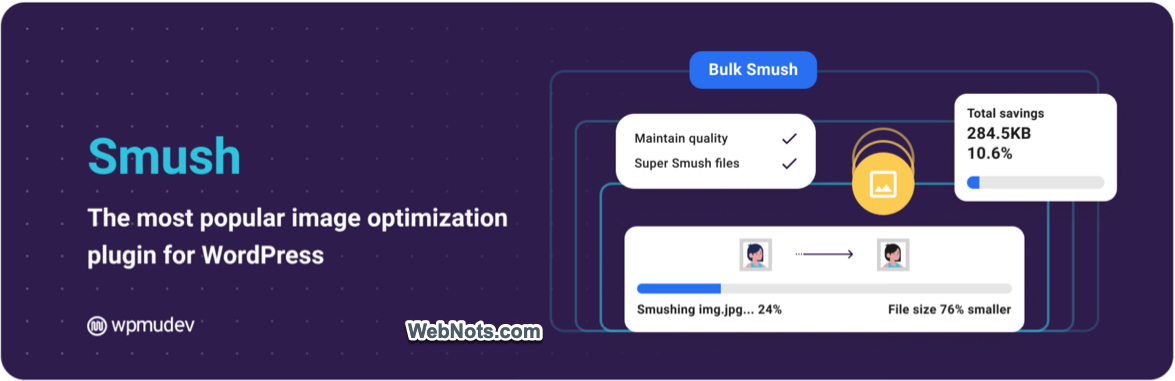
Below are some of the features of Smush plugin.
- Resize and compress uploaded images.
- You can do bulk or manual compression of already uploaded images.
- Lazy loading and find incorrect image sizes.
- Compression is done outside your server hence will not consume high resources for your hosting.
- Optimize unlimited images with no limits.
8. W3 Total Cache or WP Rocket
The SEO plugins list will not be completed without including a caching plugin and W3 Total Cache (W3TC) is one of the best caching plugins for WordPress sites. It has all the needed options for speeding up your WordPress site for better SEO.

- Page caching, browser caching, database caching and many other options.
- Enable compressions to reduce the file size.
- Minify and combine CSS and JS files.
- Delay JS files to avoid render blocking issues.
- Lazy loading and CDN integration.
The problem is that W3TC has numerous settings under each section often tend to break your site if not setup properly. If you do not want to spend too much time, then go for premium WP Rocket plugin that offers simple settings compared to W3 Total Cache. WP Rocket will automatically enable page level caching and other settings will take hardly few minutes to finish the setup.

9. Perfmatters Optimization Plugin
Perfmatters is the optimization plugin in our list, which is available only as a premium version. Besides lazy loading, optimizing Google Fonts and adding code snippets, you can completely remove all the bloat from WordPress header.

- Disable unnecessary stuffs loaded by the default WordPress setup like emoji, XML-RPC, RSS feed links, author link in comment form, etc.
- Remove unused CSS, defer and delay JS.
- Script Manager to remove CSS and JS files per page or site wide.
- Host Google Analytics locally and remove Google Fonts.
- Integrate CDN smoothly and schedule database cleaning.
10. Broken Link Checker Plugin
If you frequently edit your slug or insert external links from other sites, then there are possibilities those links will be broken due to various reasons. These broken links will result in bad user experience as users will land on 404 page. If you have a smaller WordPress site, then it make sense to use this Broken Link Checker plugin and analyze all the links on your site. Although there are other tools to check this, using a plugin within WordPress will let you run the show within WordPress dashboard. You don’t have to toggle between tabs to check the links.
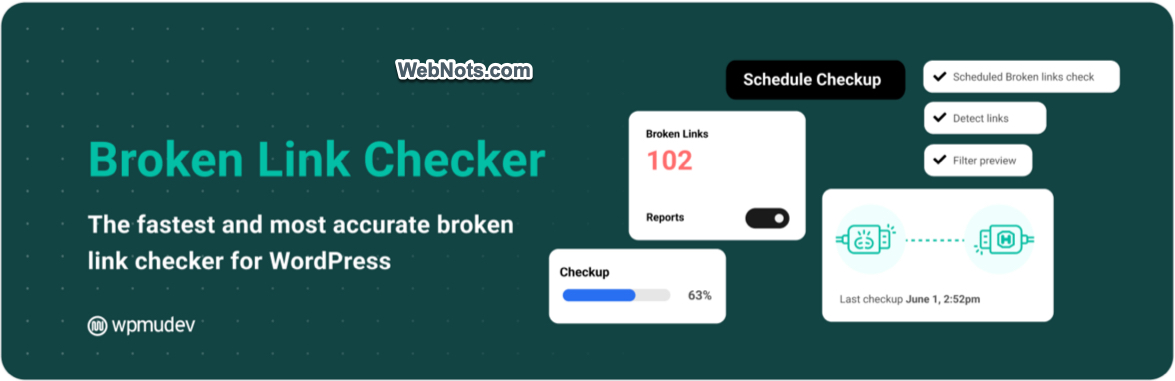
This plugin checks existing posts, comments, and other contents for broken links, and even missing images. Unlike other plugins runs on your server, this one will run on Cloud server from WPMU DEV (owner of the plugin). This means you do not need to worry about performance or violation from hosting companies. You do have an option to run the service locally on your server.
- Manual or scheduled scanning.
- Unlimited pages and site.
- Get notification in dashboard or through email.
- Display of broken links in different format in posts to identify them easily.
- Stop search engines following the broken links.
- Detailed report on internal and external links.
Final Words
Nowadays, SEO is not simply adding meta description or writing long form content. It is about optimizing the site and offer better user experience. Unfortunately, it is not possible to use a single plugin to cover all aspects of SEO. Choose one from Yoast, Rank Math or All In SEO which comes with packaged core SEO features (like Sitemap, redirection, etc.). In addition, you need a caching and optimization plugin. For that WP Rocket and Perfmatters will be the best combination. CrawlWP is the plugin you need for tracking search engines indexing status of your content.