
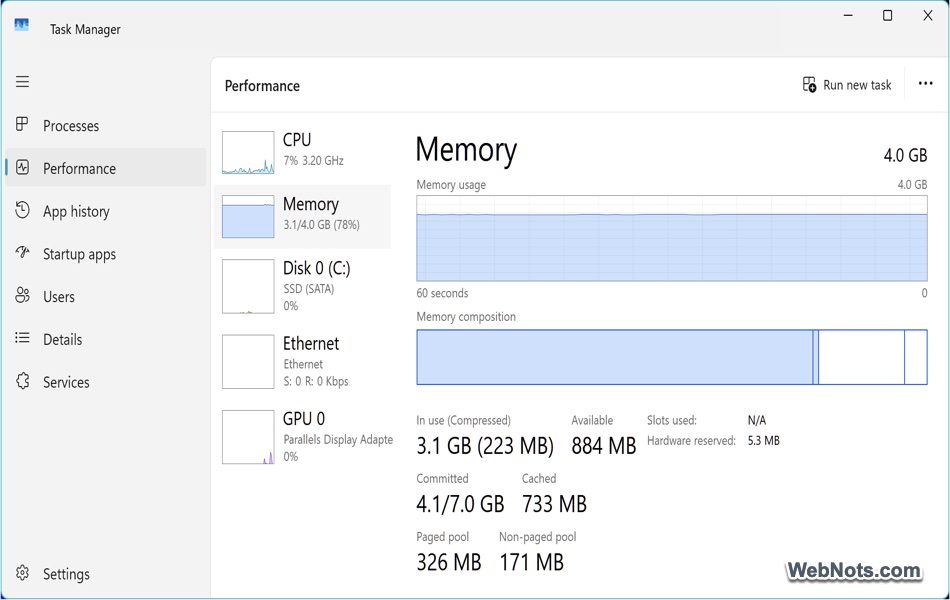
10 Task Manager Tricks You Never Tried on a Windows PC
Most Windows users know the basics: open Task Manager with Ctrl + Shift + Esc, end a frozen program, or
Most Windows users know the basics: open Task Manager with Ctrl + Shift + Esc, end a frozen program, or

The startup options are important tools in Windows 10 and Windows 11 for troubleshooting, optimizing performance, or simply tailoring the

Windows 11 is built to balance performance across multiple apps and background processes. But sometimes, you need more control –

Lagging or frozen system is one of the regular issues Windows computers experience from time to time. If you experience
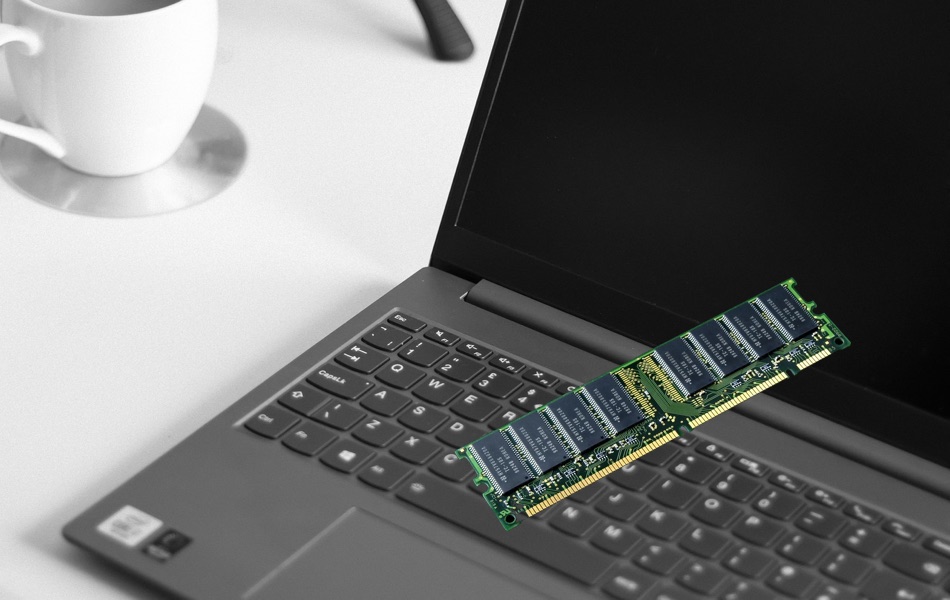
VRAM (or Video Random Access Memory) is a type of dedicated memory used by graphics card (GPU) to store visual

You might already know how to kill or terminate an app/process using Task Manager app. However, it is also possible
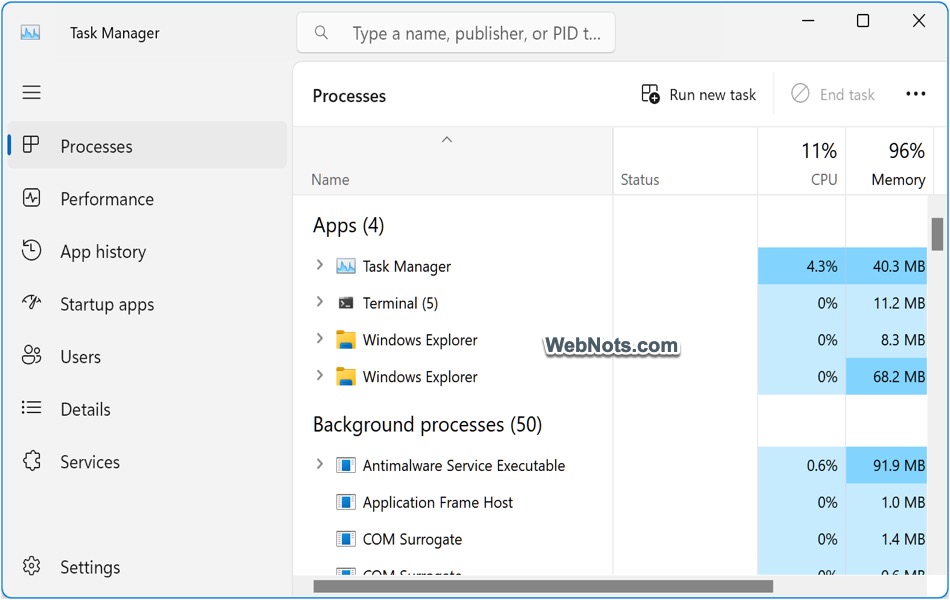
Task Manager is one of the most useful apps that comes as part of Windows OS. you can monitor currently
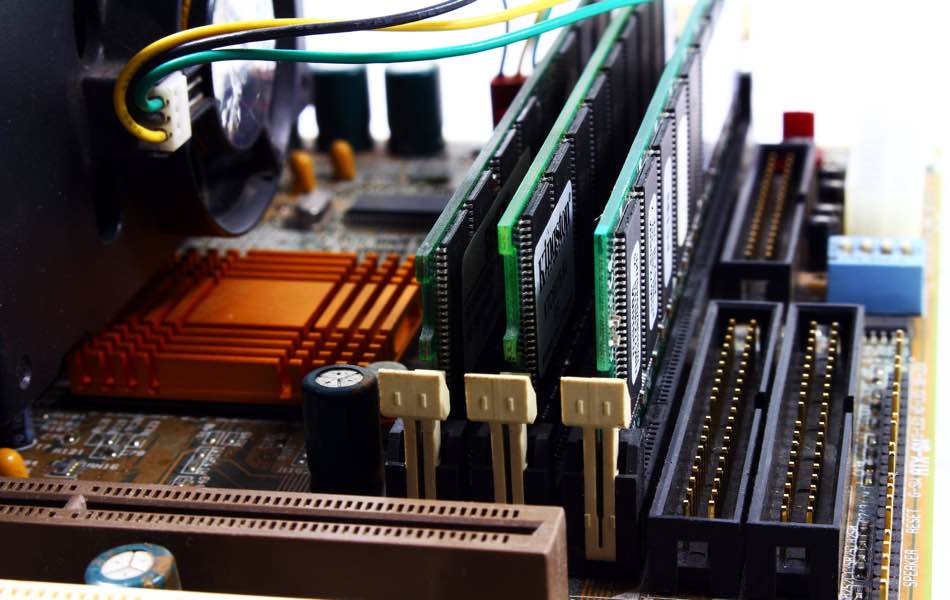
Randoms Access Memory or RAM is a temporary memory used by computers to store and retrieve data faster. For example,

Task Manager is one of the default apps in Windows Tools collection to manage system resources in Windows 11. You