
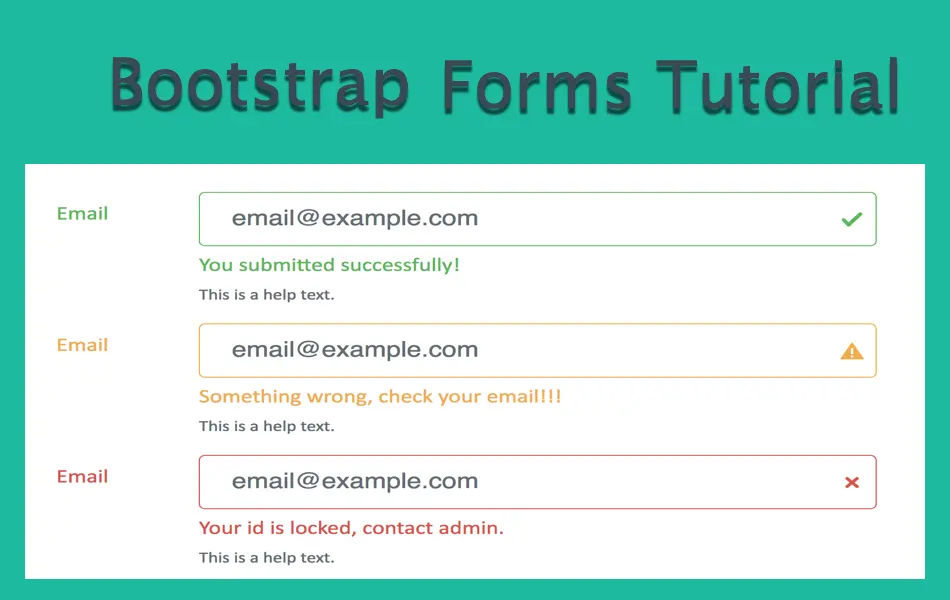
How to Create Bootstrap 5 Forms?
Forms are important and unavoidable part of any website. Bootstrap 4 uses the standard HTML5 form elements to add variety
Under this “Bootstrap Tutorial” section, we cover basic elements and practical usage of Bootstrap 5.
Forms are important and unavoidable part of any website. Bootstrap 4 uses the standard HTML5 form elements to add variety

Navigation menu bar is part of each pages on a website. Bootstrap uses the base nav component to create navigation
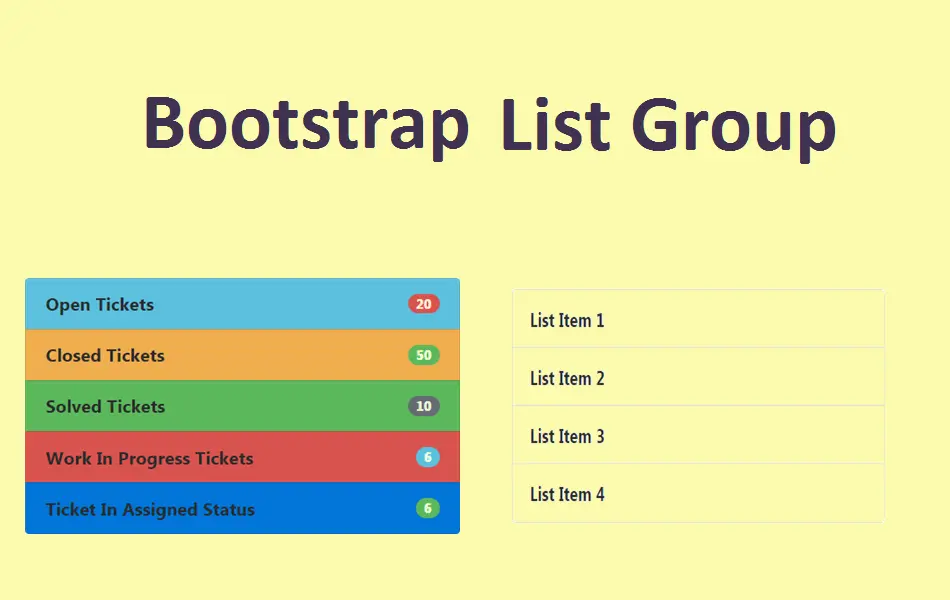
List group is a collection of list items grouped together in a single component. This is one of the useful
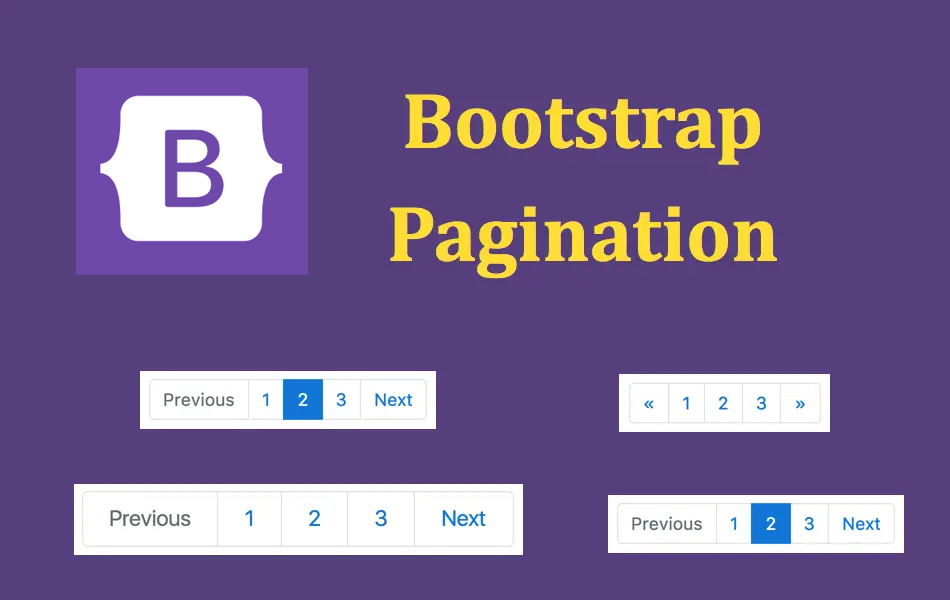
You might have seen the pagination component on most of the blog index and archive pages. Generally the index pages

We have already touched upon the dropdown component in our previous tutorial on Bootstrap buttons. Dropdown is nothing but a

The nav component in Bootstrap is used to create list of links with different styles. Basically the list links is

Popover is nothing but a larger tooltip shown in a popup box and pointing towards the triggered element. Similar to

Progress bars are used for showcasing skills, percentage of projects completion and for similar purposes. Bootstrap 5 has different styles

Tooltips are a piece of marker text that will appear when you hover the mouse over a hyperlink. In Bootstrap