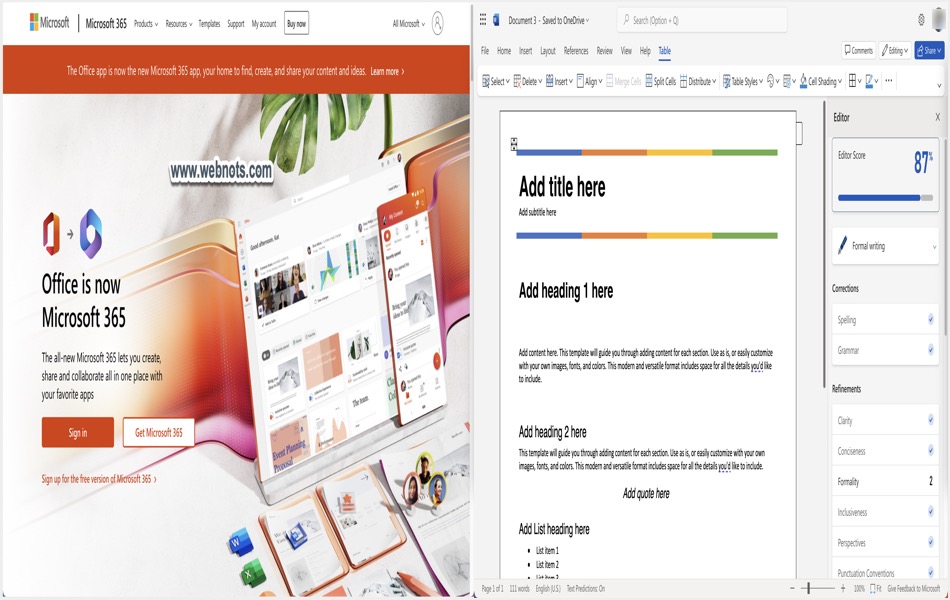
Microsoft Windows remains the most widely used operating system in the world, which also makes it a prime target for cyberattacks. While recent versions of Windows include improved security features through the Windows Security app, they do not fully protect your privacy when you browse the internet. This is where VPN apps become essential.
A VPN helps secure your connection, protects your personal data, and prevents ISPs, advertisers, and attackers from tracking your online activity. It also allows access to blocked or restricted websites. With thousands of VPN apps available, choosing the right one can be challenging. To make that decision easier, we have compiled a list of the top 10 VPN services for Windows users, based on different needs and use cases.
Connecting VPN in Windows PC
All the services listed below offer a dedicated app for Windows, which you can download from Microsoft Store or from the company’s website. In addition, you can also configure VPN through a profile or directly configure it in your router so that the entire network will flow through the VPN setup.
1. VeePN
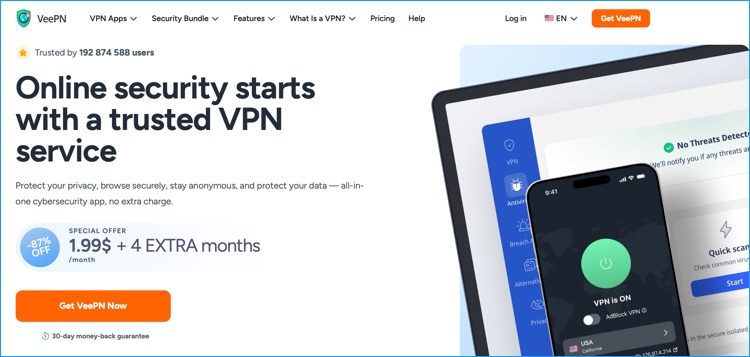
VeePN is a secure and privacy-focused VPN service that delivers a strong combination of speed, advanced encryption, and cross-platform usability. Designed for users who value online privacy protection and unrestricted internet access, it helps mask IP addresses, encrypt internet traffic, and bypass geo-blocked websites and streaming platforms with consistent performance.
As a fast VPN for streaming, browsing, and torrenting, VeePN offers reliable connections through its global server infrastructure. The service is built to prevent ISP tracking, secure public Wi-Fi sessions, and protect sensitive data from cyber threats. Its intuitive interface and advanced privacy tools make it suitable for both beginners and experienced users looking for private internet access.
Strengths:
- Large global server network with 2500+ high-speed servers across 60+ locations.
- Strict no-logs policy to ensure complete online anonymity.
- Advanced security features including Kill Switch, Double VPN, and built-in ad and tracker blocking.
- AES-256 military-grade encryption with support for secure VPN protocols.
- Available on Windows, macOS, iOS, Android, and major browser extensions.
Limitations:
- Certain advanced features are available only with premium subscription plans.
- Performance may vary depending on server distance and local network conditions.
2. CyberGhost VPN
CyberGhost is an excellent VPN for Windows when it comes to foiling censorship and accessing blocked content. It also helps to secure public Wi-Fi networks and unblocks majority of the streaming websites including Amazon Prime Video, Netflix and BBC iPlayer among others.

Strengths:
- Simple and friendly UI.
- Variety of optimized VPN servers – 1000+ servers spread across 40 countries.
- Outstanding privacy policy – no keeping of logs or real IP address.
- Data protection using AES 256-bit military-grade encryption.
- Affordable subscription plans with 45-day money back guarantee.
Limitations:
- Don’t work with some streaming services.
- Not available in UAE and China.
3. ExpressVPN
This is a best VPN choice for Windows users, offering great security and privacy. ExpressVPN implements 256-bit AES and Lightway protocol technologies to crawl and mask traffic data, preventing ISP and third-party access. Additionally, it has VPN servers in over 105 countries.

Strengths:
- Reputable privacy policy – Keeps no logs for DNS requests, IPs and traffic activities.
- Robust data encryption with Lightway protocol and AES-256 bit key.
- Seamless data-intensive streaming which supports torrenting and P2P.
- Geo-spoofing and anonymity features.
- 30-day money back guarantee.
- Connect 14 devices simultaneously.
Limitations:
- Relatively expensive pricing plans.
- Completely blocked in countries like China due to its popularity.
4. VyprVPN
VyprVPN service provides intuitive controls and robust security for people using Windows PC. It runs on 700+ VPN servers on 70 locations and offers unlimited IP switch to enhance your online anonymity. Besides, it unlocks a variety of streaming services such as US Netflix and BBC iPlayer as well as censorship blocks. This VPN service runs its own servers, preventing any third party privacy mix.

Strengths:
- Based in Switzerland – Privacy-friendly environment.
- Supports P2P and kill switch.
- Multiple streaming services support.
- No logging policy.
- Unlimited bandwidth, superb speed and uptime.
Limitations:
- More expensive than competitors.
- Torrenting is disallowed.
- No browser extensions
5. NordVPN
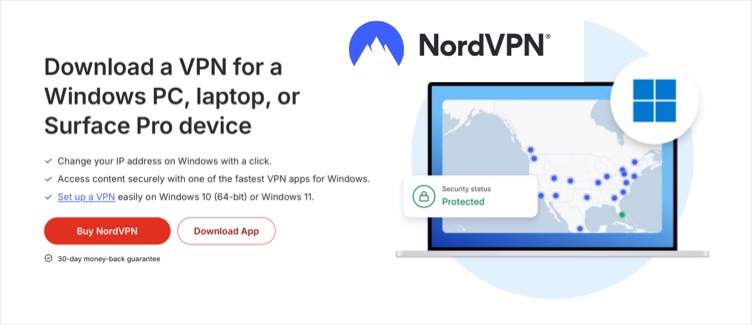
NordVPN is a powerhouse with over 8,000 servers across 129 countries, offering features like NordLynx for top speeds, double VPN for extra security, and Threat Protection Pro to block malware. Its Windows 11 app includes a kill switch, split tunneling, and specialty servers for P2P and obfuscation, ensuring smooth performance even on high-demand tasks.
Strengths:
- Blazing speeds with large number of server locations.
- Great for torrenting and streaming.
- RAM-only servers for privacy.
Limitations:
- Confusing pricing renewals.
- Occasional long connection times.
6. IPVanish
If you are looking for a specialized VPN app for P2P traffic and torrenting, then IPVanish is a great deal. The VPN has a sleek client design with a range of basic and advanced configuration options, suitable for both starters and expert users. It offers secure connection and high download speeds, making it ideal for streaming services.

Strengths:
- Robust security with Secure Browser and 256-bit traffic encryption.
- Strict no logs privacy policy.
- Unlimited bandwidth and Super-fast speed.
- Prevents Deep Packet Inspection.
- Unlimited simultaneous connections.
Limitations:
- No free trial on desktop (available on iOS and Android apps).
7. Surfshark
With unlimited simultaneous connections, Surfshark is perfect for households or multi-device users on Windows 11. It includes Dynamic MultiHop, IP rotation, and post-quantum protections, plus fast speeds via WireGuard. The app supports torrenting on all servers and works well with streaming platforms.

Strengths:
- Affordable long-term plans.
- Open-source apps.
- Strong security features.
Limitations:
- Based in a 14-Eyes jurisdiction.
- No 24/7 live chat.
8. Proton VPN
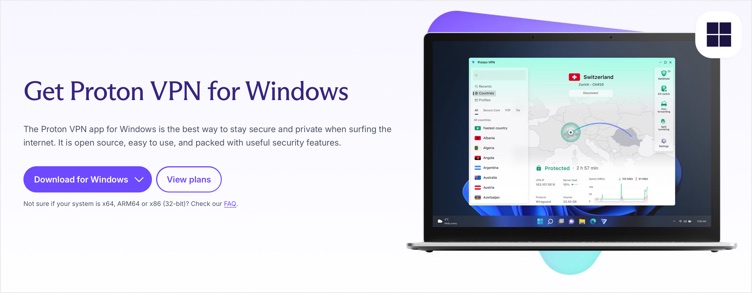
Proton VPN excels in privacy with its open-source code and Secure Core servers that route traffic through privacy-friendly countries. The Windows 11 app offers unlimited data on its free plan (with limitations), Tor over VPN, and a Stealth protocol for obfuscation.
Strengths:
- Best free tier with unlimited bandwidth.
- Audited no-logs.
- Fast speeds.
Limitations:
- Comparatively smaller server network.
- Variable streaming performance.
9. Private Internet Access (PIA)
PIA offers high customization with adjustable encryption levels and protocols like WireGuard. It has a massive server network and includes MACE for ad blocking. The Windows 11 app supports port forwarding and is great for torrenting.

Strengths:
- Extensive servers.
- Proven no-logs.
- Minimal speed loss.
Limitations:
- Interface can be overwhelming for beginners.
10. TunnelBear
TunnelBear’s fun, bear-themed interface makes it approachable for beginners. It offers unlimited connections, obfuscation via GhostBear, and a VigilantBear kill switch in its Windows 11 app.

Strengths:
- Annual independent audits.
- Friendly design.
- Free tier with 2GB per month.
Limitations:
- No multi-hop.
- Basic support options.
Bonus: Windscribe
Windscribe provides unlimited connections and a generous free plan with 10GB per month. Its Windows 11 app includes R.O.B.E.R.T. for content filtering, multi-hop, and AI-powered support.

Strengths:
- Anonymous signup.
- Flexible payments.
- Strong free option.
Limitations:
- Short refund period.
- Variable speeds.
Summary
There are so many VPN apps for Windows in the market today, but none can be said to fit all your needs. Although all the above listed apps offer a decent performance and security for unblocking websites, you need to identify a VPN service that suits your purpose and budget. In addition, here are some important things to consider when looking for a VPN app:
- Download Windows app from official source and avoid using manual profile configurations (that may be unstable in certain times).
- If you are using Windows ARM, make sure the VPN app is supported in ARM setup.
- For using on multiple devices, check the simultaneous usage limit (some services offer unlimited connections).
- If you are privacy focused, then check for no-log, open-source and jurisdiction.
- Test the connection stability and speed using free trial or with money back guarantee.