Choosing the right browser can significantly impact your online privacy and security. Good thing is that Android users have a plethora of options to safeguard their browsing habits. Whether you’re looking to block trackers, avoid intrusive ads, or simply keep your data private, a privacy-focused browser can make a world of difference. Here’s a detailed list of the top 10 privacy browsers for Android users in 2025.
Remove that Google Chrome App
Most Android smartphone models come with Google Chrome preinstalled and use it as a default browser. Now that even Department of Justice (DOJ) in USA wants Google to sell Chrome to avoid illegal monopoly in online search and ad tech, it’s clear that using Chrome is nothing sort of selling your information free to Google. So, make sure to remove Chrome and use one of the following browsers. If you’re not able to Chrome from your phone, make sure to change the default browser to another app.
1. Brave Browser
Brave is renowned for its robust privacy features and commitment to user-first policies. It blocks trackers, third-party cookies, and intrusive ads by default, significantly enhancing loading speeds and user experience. Brave also supports HTTPS Everywhere, ensuring your connection is always secure when possible. One of Brave’s standout features is its built-in VPN and firewall, which further shields your browsing data from prying eyes.

Additionally, Brave Rewards allow users to opt-in to view privacy-respecting ads and earn Basic Attention Tokens (BAT), combining privacy with a new way of monetizing attention.
2. DuckDuckGo Privacy Browser
DuckDuckGo has expanded from being just a privacy-focused search engine to offering a full-fledged privacy browser. It blocks hidden third-party trackers and automatically forces sites to use encrypted connections where available. The app offers a “Fire Button” that instantly erases all your tabs and browsing data with a single tap.

DuckDuckGo also assigns privacy grades to websites you visit, helping users understand the risk levels of different sites. It’s an ideal choice for users looking for a no-fuss, efficient, and private browsing experience.
3. Firefox Focus
Developed by Mozilla, Firefox Focus is a lightweight, minimalist browser that prioritizes speed and privacy. It automatically blocks a wide range of online trackers and offers an easy-to-use interface where you can erase your browsing history with just one click. Firefox Focus doesn’t store passwords, cookies, or browsing history, ensuring minimal data footprint.

Moreover, Mozilla’s open-source approach and commitment to user privacy further solidify Firefox Focus as a trustworthy option.
4. Tor Browser
For those seeking the highest level of anonymity, the Tor Browser is the gold standard. It routes your traffic through multiple volunteer-operated servers, effectively masking your location and usage from surveillance and traffic analysis. Although this layered approach can result in slower browsing speeds, it offers unmatched privacy. The Android version brings all the security features of its desktop counterpart, including multi-layered encryption and defense against fingerprinting.
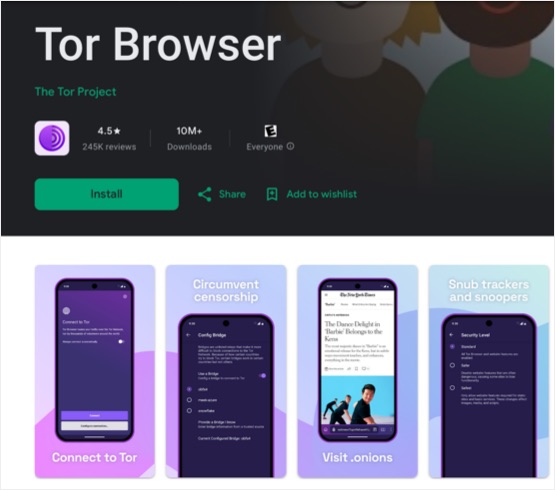
Tor is essential for users needing access to restricted content or communicating anonymously.
5. Vivaldi
Vivaldi provides an unparalleled level of customization alongside strong privacy protections. It comes with a built-in ad and tracker blocker, and it offers advanced settings that allow users to tweak everything from the appearance to privacy options. Unlike some browsers, Vivaldi collects minimal data and is transparent about how any data is used.
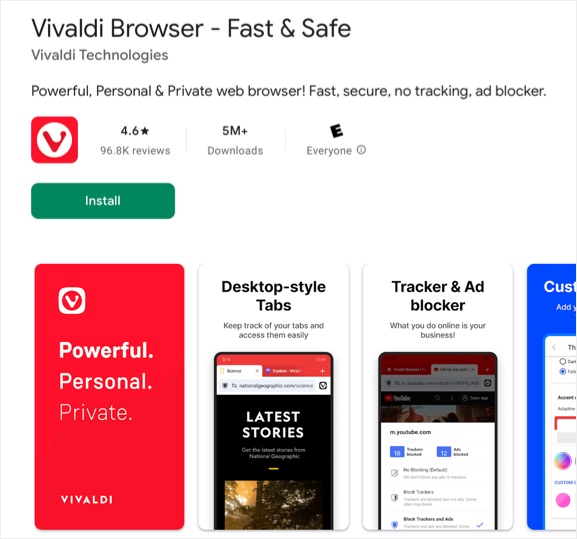
Its Notes feature, Tab Stacks, and Web Panels enhance productivity while maintaining privacy, making it ideal for power users who don’t want to compromise.
6. Ungoogled Chromium
Ungoogled Chromium is exactly what its name suggests: a Chromium browser without Google’s integrations. It removes Google services and hardens privacy protections, allowing users to browse with minimal data leakage. While it may require a bit more technical knowledge to install and use efficiently, it offers a robust privacy experience for users who want full control over their browser.
Regular updates and an open-source foundation make it a preferred choice for tech-savvy users seeking minimalistic yet potent privacy tools.
7. Bromite
Bromite is a Chromium-based browser stripped of Google’s intrusive features (Ungoogled Chromium takes some features from Bromite). It integrates a powerful ad blocker and prioritizes privacy without sacrificing performance. Unlike typical Chromium browsers, Bromite removes click-tracking and AMP (Accelerated Mobile Pages) redirection, giving users a truly private browsing experience.
8. Opera
Opera sets itself apart by including a free, no-log VPN within the browser, providing an extra layer of encryption and anonymity. Combined with built-in ad and tracker blockers, Opera offers a balanced approach to privacy and convenience.
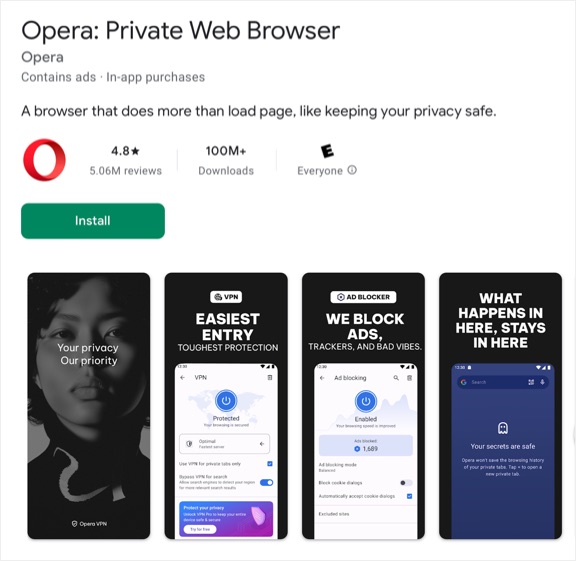
It also includes a Crypto Wallet and personalized newsfeed, though users should be cautious as Opera’s privacy policies are not as stringent as some other options listed here. Nonetheless, for casual users, Opera offers a convenient all-in-one package.
9. Kiwi Browser
Kiwi Browser allows users to enjoy Chrome extensions on Android – a feature that greatly extends its functionality. With built-in ad-blocking and a cryptojacking protection feature, Kiwi Browser offers strong defenses against common threats. It also disables AMP pages and enforces strong encryption policies.
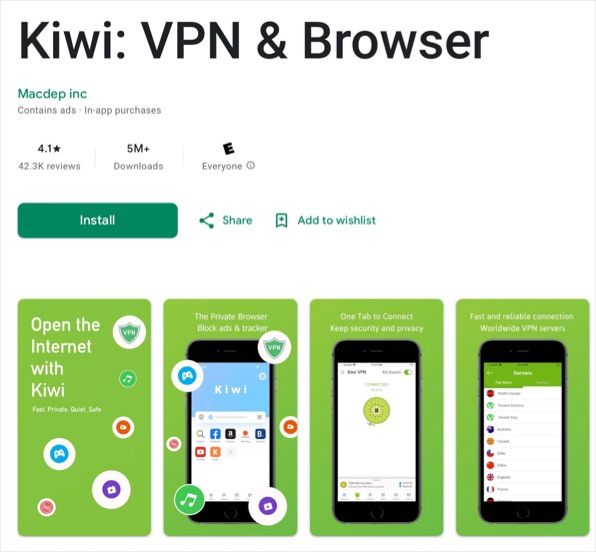
Its fast-loading times and extensive customization options make it a great pick for those who want a balance of performance, flexibility, and privacy.
10. Aloha Browser
Aloha Browser is an all-encompassing privacy solution featuring a built-in VPN, ad blocker, and download manager. Its VPN is unlimited and free, offering anonymity without subscription costs. Aloha also offers an encrypted file manager where users can store downloaded files securely.
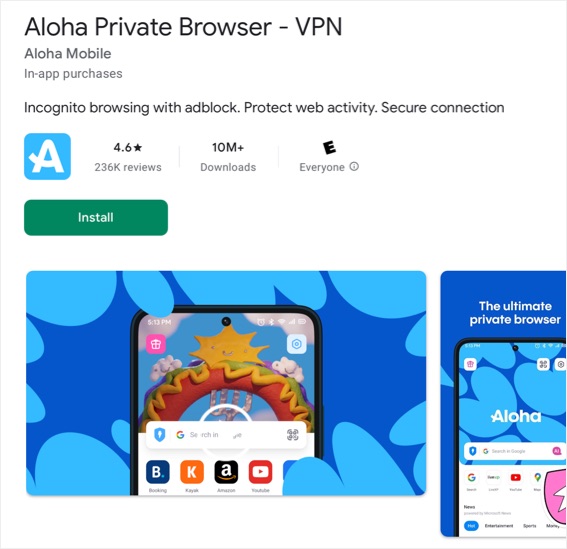
For those who prioritize media consumption, Aloha supports VR player features and ensures that all online activities are fully encrypted.
Why Privacy Browser Matters?
Every click, search, and scroll generates data that can be collected, analyzed, and sold by third parties. This data can be used for targeted advertising, influencing purchasing decisions, and even political campaigns. Using a privacy-focused browser mitigates these risks by minimizing data exposure, blocking tracking mechanisms, and securing your connection against unauthorized access.
Beyond personal security, advocating for privacy-first tools pressures tech companies to respect user rights and adopt more transparent data practices. By choosing a privacy browser, you’re not just protecting yourself; you’re supporting a broader movement toward a more ethical internet. Prioritize your online security by selecting a browser that aligns with your privacy requirements and enjoy a safer, more secure browsing experience.