Blogging has evolved from a niche hobby into a mainstream medium for sharing ideas, building a brand, or earning an income. Whether you’re a personal blogger, a niche content creator, or a business looking to connect with your audience, having a reliable and well-designed website is essential. Website builders have revolutionized how blogs are created by eliminating the need for technical expertise. With features like drag-and-drop interfaces, customizable templates, and built-in SEO tools, these platforms enable bloggers to launch their sites quickly and effectively. However, with so many website builders available, choosing the right one can feel overwhelming.
This article explores the top 10 website builders for bloggers, highlighting their features, pros, cons, and pricing. Whether you’re looking for a free platform to test the waters or a robust tool for building a professional brand, there’s something for everyone in this list.
1. WordPress.org
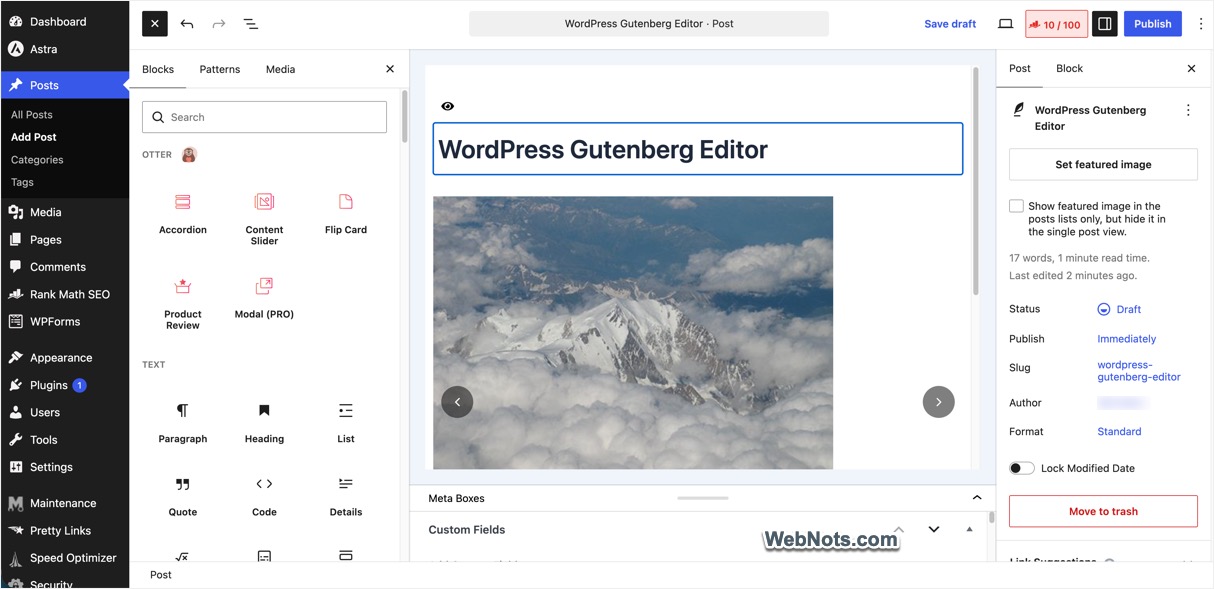
When it comes to blogging, WordPress.org is the undisputed leader. Powering over 40% of websites on the internet, this open-source platform provides unmatched customization and flexibility. Unlike website builders with fixed templates and limited design options, WordPress.org lets you create a blog exactly the way you envision. This platform is best suited for bloggers who want to grow their websites over time and monetize through ads, affiliate marketing, or even ecommerce. However, it requires some technical know-how, as you’ll need to handle hosting, domains, and maintenance yourself.
- Extensive Theme Library: Choose from thousands of free and premium themes to design your blog.
- Plugin Integration: Add functionality such as SEO optimization, social media sharing, and email subscription forms using plugins.
- Scalability: Suitable for small personal blogs or large websites with millions of visitors.
- SEO-Friendly: Advanced tools for optimizing search engine visibility.
- Ecommerce Ready: Integrates with WooCommerce for selling products or services.
Pros:
- Fully customizable with no design restrictions.
- Large online community offering tutorials and support.
- Robust for bloggers planning to scale or monetize their blogs.
- Supports multimedia content such as podcasts and video blogs.
Cons:
- Requires hosting and domain purchase.
- A steeper learning curve for beginners.
- Regular updates and maintenance are your responsibility.
WordPress.org itself is free, but you’ll need to pay for hosting (starting at around $3/month) and domain registration (approximately $10–$25/year). Premium themes and plugins can also add to the total cost.
2. Wix
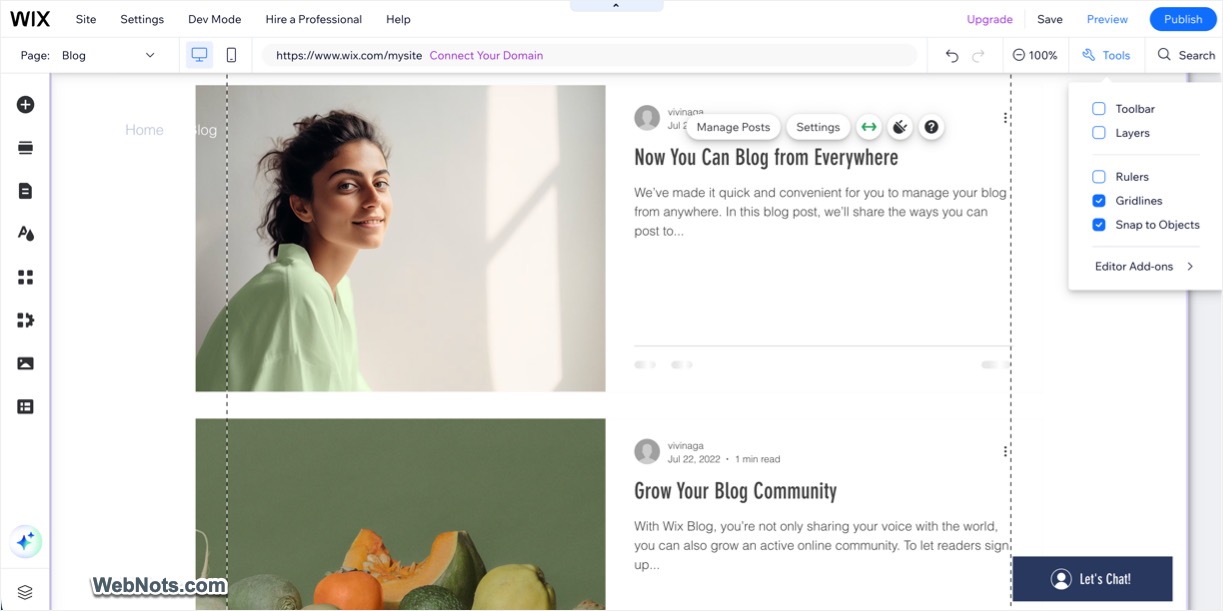
Wix is a popular drag-and-drop website builder known for its ease of use and beautiful design templates. It’s perfect for bloggers who don’t want to deal with technicalities but still want a professional-looking site. The AI builder helps to automate everything from building your blog layouts to creating your blog posts. You can add the Blog add-on to create blog posts using the intuitive editor interface with no coding experience. Wix blogs support categories, tags, and memberships to hide your posts behind a paywall. This versatility and all-in-one solution make it as one of the top choices for beginners.
- Drag-and-Drop Editor: Build your website by simply dragging elements into place.
- Pre-Designed Templates: Access hundreds of blog-specific, mobile-friendly templates or generate with AI.
- SEO and Marketing Tools: Includes built-in SEO settings, email campaigns, and analytics.
- Wix App Market: Add extra functionality like contact forms, social media feeds, and live chat.
- Automatic Updates: Your site remains up to date without any effort on your part.
Pros:
- Extremely beginner-friendly.
- Attractive and professional templates.
- All hosting and domain management handled by Wix.
- Fast setup with no need for coding skills.
Cons:
- Limited customization compared to open-source platforms like WordPress.org (can’t switch the template).
- Free plan includes Wix branding.
- Advanced features locked behind higher-priced plans.
Free plan available with Wix ads and branding, which you can use for testing the platform. Premium plans start at $17/month, including a custom domain for one year and increased storage.
3. WordPress.com
WordPress.com is the hosted version of WordPress, offering a more user-friendly experience compared to its self-hosted counterpart, WordPress.org (listed first above). While it shares the same branding and core functionality, WordPress.com is managed entirely by the company called Automattic, which means you don’t need to worry about hosting, updates, or maintenance. This platform is perfect for beginner bloggers who want the power of WordPress without the complexity of managing the backend. However, it comes with limitations on customization unless you upgrade to premium plans.
- Managed Hosting: No need to purchase separate hosting or handle server-related issues.
- Pre-Built Themes: Choose from a library of free and premium themes.
- Built-In SEO: Includes basic SEO tools to help your blog rank higher and use plugins for additional SEO and GEO features.
- Mobile Apps: Write, edit, and manage your blog on the go with WordPress mobile apps.
- Monetization: Earn through WordAds (available on paid plans) or integrate other monetization options with higher-tier plans.

Pros:
- Beginner-friendly and easy to set up.
- Hosting, updates, and security handled by WordPress.
- Access to a community of millions of WordPress users.
- Free plan available to test the platform.
Cons:
- Limited customization on free and lower-tier plans.
- WordPress branding on free plans.
- Advanced features like plugins, custom themes, and monetization require paid plans.
- Less control over the site compared to WordPress.org.
Free plan includes basic features with WordPress.com branding and a .wordpress.com subdomain. Premium plans start from $4/month, includes a custom domain and email support.
4. Squarespace
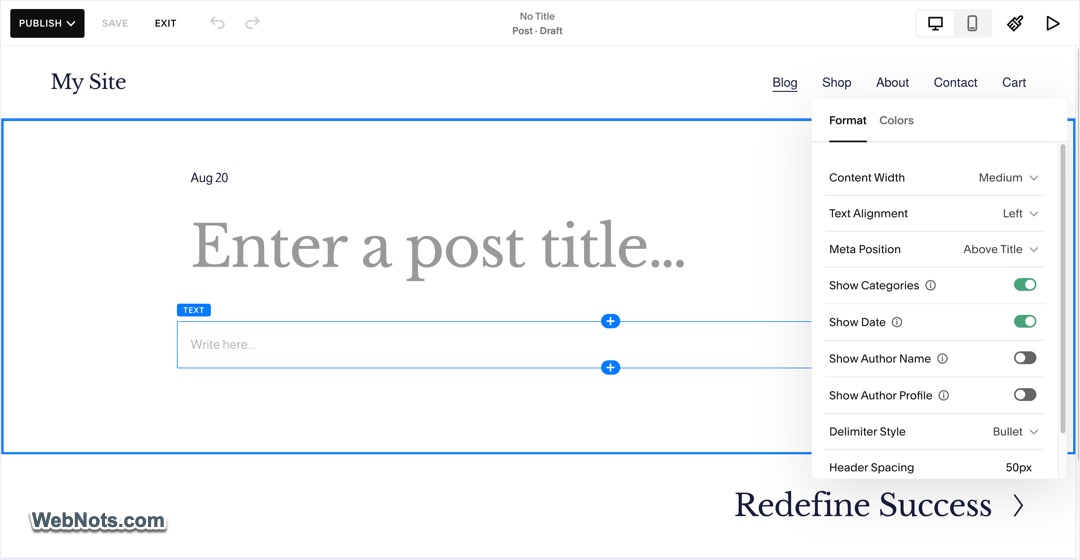
Squarespace is widely regarded as the go-to platform for creative professionals and design-focused bloggers. Known for its sleek, minimalist templates, Squarespace is ideal for visual storytelling, whether you’re a photographer, travel writer, or food blogger. Unlike some platforms that require plugins for advanced functionality, Squarespace provides built-in features for blogging, SEO, AI tools, and analytics. It’s an excellent choice for bloggers who want a polished blog with categories, tags, related posts, and paywalled content with minimal effort. There is also a Blueprint AI site builder, which you can use to create an entire site with AI (this does not support blog editing and you should use the classic editor as shown in the below picture).
- Premium Templates: High quality, mobile responsive templates tailored for bloggers.
- Built-In SEO and Analytics: Easy to use tools for tracking performance and optimizing content.
- Integrated Ecommerce: Sell products, services, or subscriptions directly from your blog.
- Scheduling Tools: Ideal for service-based businesses or bloggers who manage appointments (separate subscription needed).
- All-in-One Solution: Includes hosting, domain registration, and customer support.
Pros:
- Stunning designs with a focus on aesthetics.
- Excellent customer support.
- Suitable for visual and creative blogging niches.
Cons:
- Fewer templates (200+) compared to competitors.
- Grid editor does not support blog posts.
- Not possible to switch templates.
Although Squarespace does not offer any free plan, you can make use of the 14-day trial to test the platform for free. Premium plans start at $19/month with basic features.
5. Weebly
Weebly offers an affordable and easy to use platform for bloggers who need a simple yet functional website. Its drag-and-drop editor and built-in features make it accessible to beginners while offering scalability for small businesses or ecommerce.
- User-Friendly Editor: Build your blog with no technical skills required.
- Mobile-Responsive Themes: Ensures your blog looks great on all devices.
- SEO Optimization: Includes basic SEO tools to boost visibility.
- Ecommerce Integration: Built-in tools for selling products or digital downloads.

Pros:
- Simple to use, even for complete beginners.
- Affordable pricing plans.
- All-in-one solution with hosting included.
Cons:
- Limited design flexibility.
- Fewer advanced blogging tools compared to competitors.
- Free plan includes Weebly branding.
Free plan available and the paid plans start at $10 /month.
6. SITE123
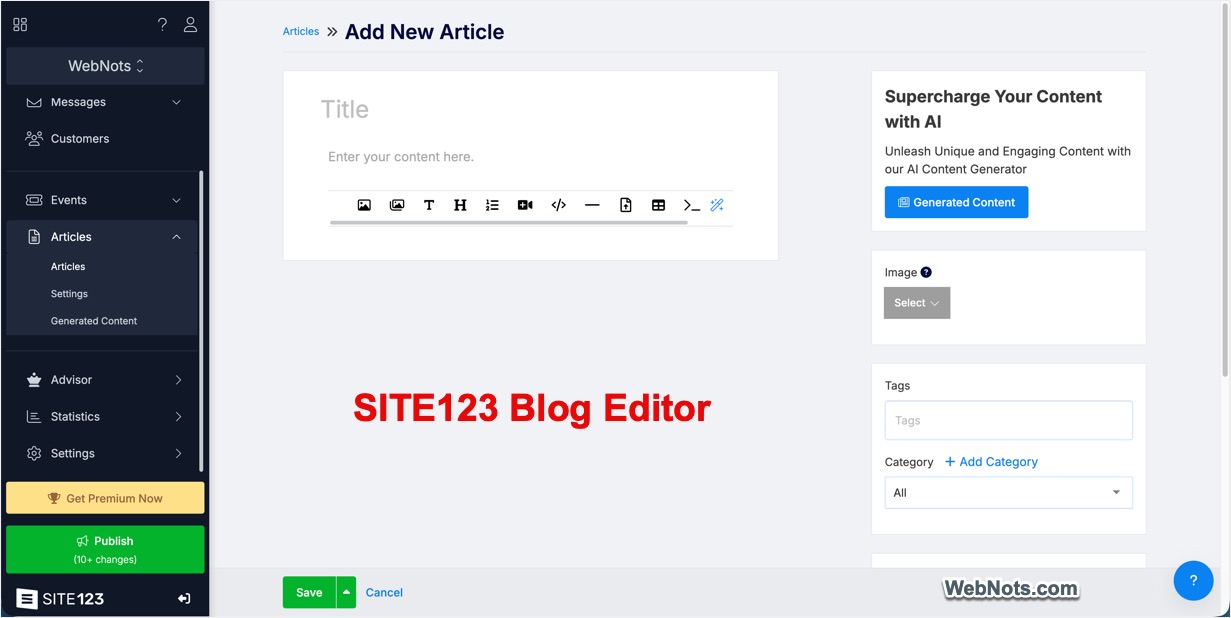
SITE123 is yet another super easily website builder like Weebly and Squarespace. It offers a dedicated blogging platform for users who want to create and manage a blog without technical or coding knowledge. It provides ready-made blog templates, post management tools, social sharing, scheduling, comments, and RSS functionality, making it suitable for beginners and small businesses.
- Post Scheduling: Schedule blog posts for a specific date and time, making it easier to plan content in advance.
- Community Features: Enable comments and choose between different comment systems.
- Social Media Sharing: Share blog posts across social media platforms to help reach a wider audience.
- RSS Feed: Every SITE123 blog includes an RSS feed, allowing readers to follow new posts through RSS readers.
Pros:
- Very easy to set up and use for beginners.
- AI assistant to generate blog posts.
- 24/7 live chat support.
Cons:
- Limited scalability for professional bloggers.
- Minimal SEO and monetization tools.
- Less control over design and branding.
The platform offers free plan with limited features and the premium plan starts at $12.8 /month.
7. Blogger
Blogger is one of the oldest platforms dedicated to blogging. Owned by Google, it offers a straightforward and free solution for those starting out. While its design options are limited compared to modern website builders, its simplicity and reliability make it a viable option for hobbyist bloggers. You can also edit the HTML and insert custom code on your site. If you want to stick with Google environment without paying for other premium services, then Blogger is the place for you to start.
- Free Hosting: No need to worry about hosting costs.
- Google Integration: Seamlessly integrates with Google Analytics, AdSense, and Drive.
- Basic Customization: Limited but easy-to-use themes for quick blog setup.
- Monetization: Built-in AdSense support for generating revenue.

Pros:
- Completely free to use.
- Effortless integration with Google services.
- Ideal for beginner bloggers or hobbyists.
Cons:
- Outdated templates and limited design options.
- Not ideal for scaling or professional blogging.
- Lacks advanced features for SEO and e-commerce.
Completely free, including hosting and domain registration (optional custom domain and templates cost extra).
8. Medium
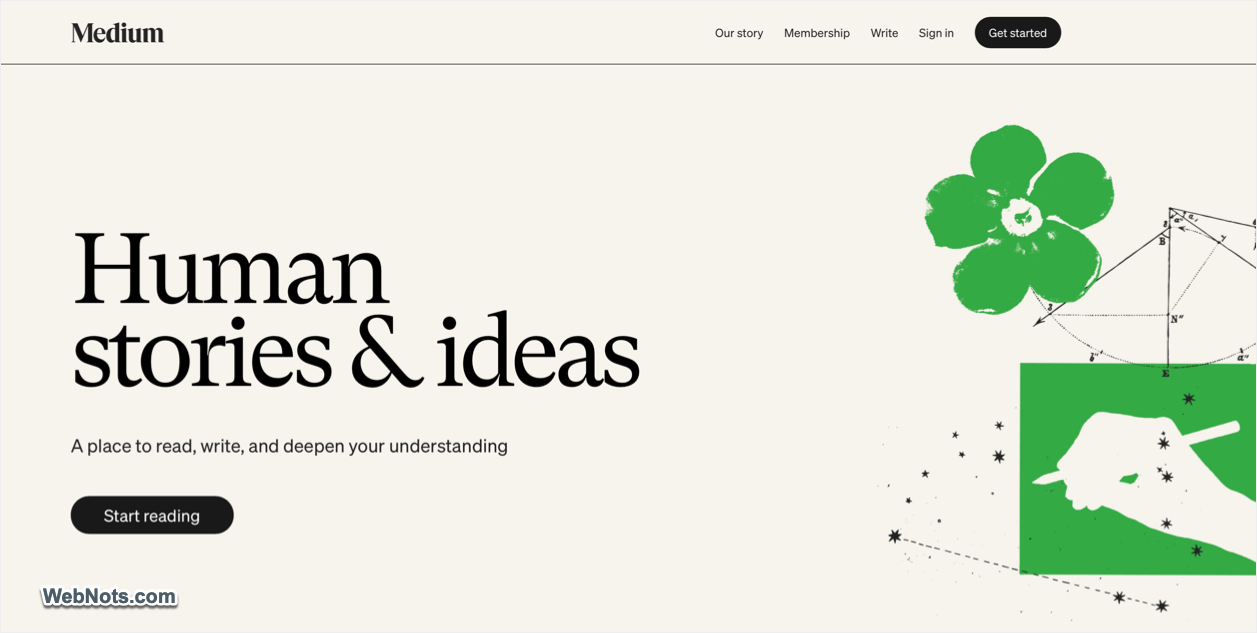
Medium is not just a blogging platform but also a social network for writers. With the rise of AI search, it’s an excellent option for bloggers focused on content creation rather than website design. With Medium, you join a community of readers and writers, gaining exposure to a built-in audience.
- Built-In Audience: Medium has a large and active user base, helping bloggers reach more readers.
- Simple Publishing Tools: Write and publish articles with no technical setup.
- Monetization Program: Earn money based on engagement metrics like the time readers spend on your articles.
- Minimalist Design: Focus on your content without worrying about website customization.
Pros:
- No need for hosting or design skills.
- Articles can go viral through Medium’s algorithm and readership.
- Clean and distraction-free reading experience.
- Suitable for bloggers prioritizing content over customization.
Cons:
- Limited control over branding and layout.
- Content is hosted on Medium’s platform, not your own domain (unless you upgrade).
- Revenue generation depends on Medium’s Partner Program.
The platform is free for basic use. Medium’s membership plan starts from $35/year if you want to earn revenue and access premium features.
9. Ghost
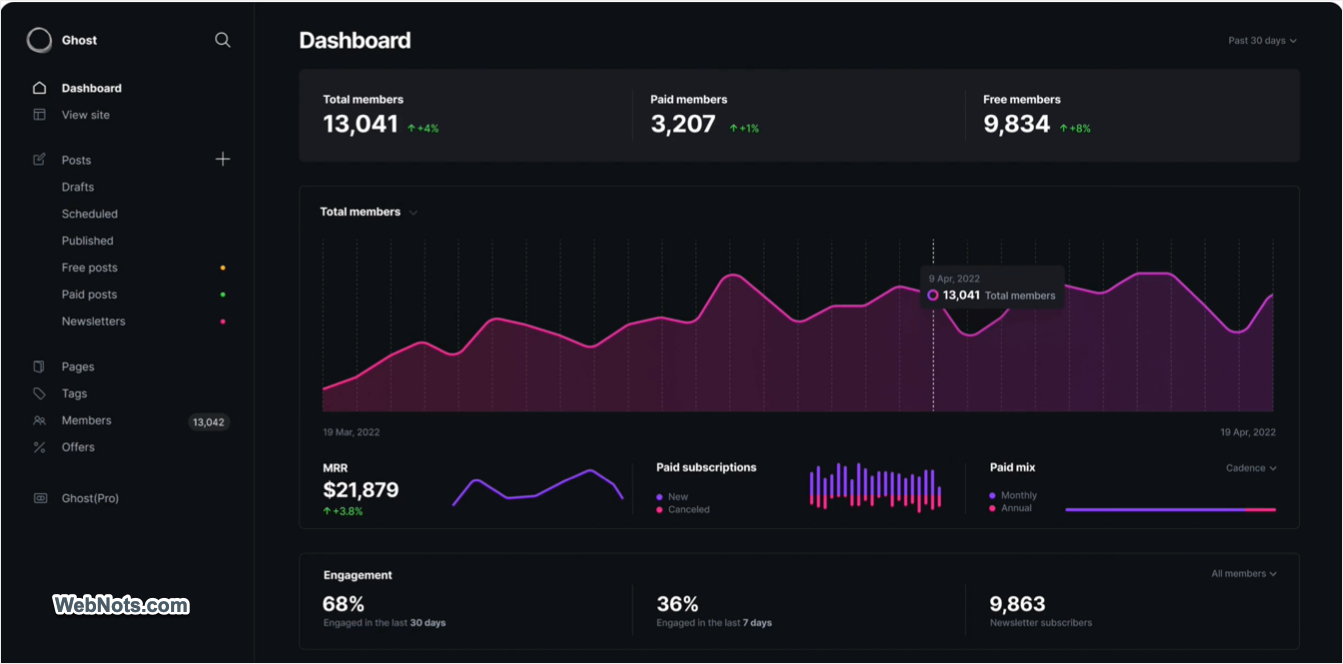
Ghost is a powerful platform designed specifically for bloggers and writers. Unlike most website builders, Ghost focuses entirely on publishing, making it ideal for content creators who want a fast, streamlined, and professional blogging experience.
- Markdown Editor: Write content using a simple and distraction-free editor.
- Membership Features: Build a subscription-based audience with paid memberships.
- SEO Optimization: Built-in SEO tools for better visibility.
- Lightning-Fast Speed: Ghost is optimized for speed and performance.
Pros:
- Tailored for professional bloggers and publishers.
- Excellent for creating membership-based blogs.
- Minimalist and modern design templates.
- Self-hosted or fully managed options available.
Cons:
- Less intuitive than drag-and-drop builders.
- Limited customization compared to WordPress.
- Managed hosting plans can be pricey.
Self-hosted version of the Ghost is free, but hosting costs apply, fully managed plans start at $15 /month.
10. Webflow
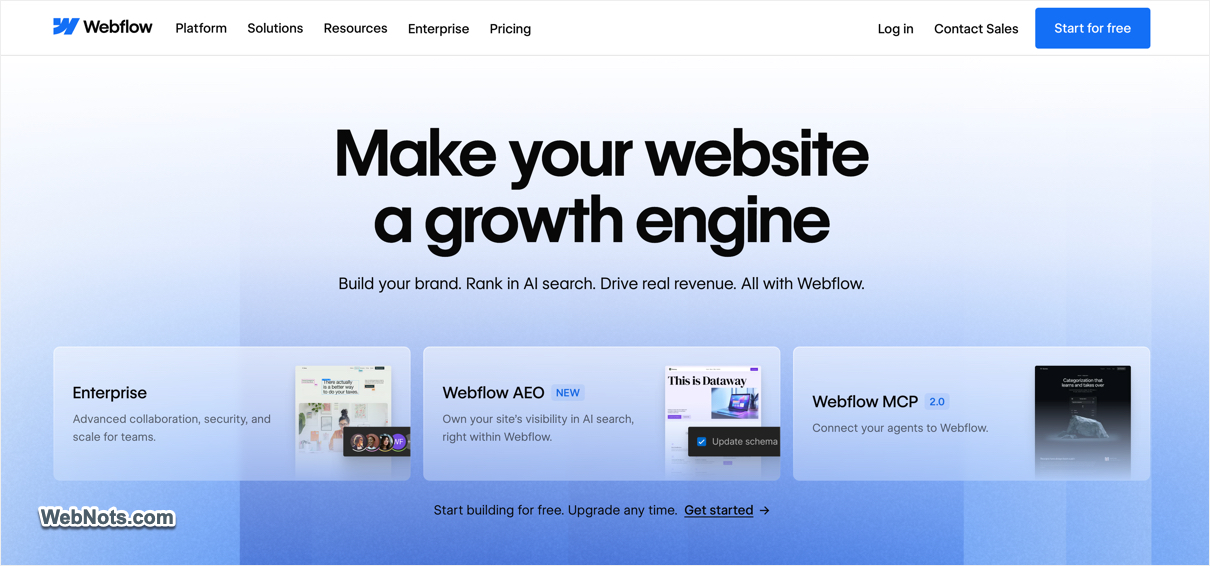
Webflow is a versatile platform that combines the flexibility of WordPress with the ease of use of drag-and-drop builders. It’s particularly suited for bloggers with an eye for design or those who want a completely unique and professional website.
- Design Freedom: Full customization without needing to write code.
- CMS for Blogging: A robust content management system tailored for blogs.
- Responsive Design: Every site is mobile-optimized by default.
- Additional Integrations: Built-in AI and SEO tools with a dedicated marketplace for templates and Apps.
Pros:
- Unmatched design flexibility.
- Professional-looking blogs without coding.
- Ideal for designers and advanced users.
Cons:
- Steep learning curve for beginners.
- More expensive than other builders.
- Requires time to master advanced design tools.
Free plan available with limited resources and premium plans start at $15/month for basic sites.
Which is the Best Website Builder for Your Blog?
Choosing the right website builder starts with clearly defining your blogging goals and allocating proper budget.
- If you want complete creative freedom and control over design, structure, and functionality, platforms like WordPress.org and Webflow are well suited.
- Wix, Weebly, WordPress.com, and Squarespace offer intuitive tools and managed environments if your priority is simplicity and fast setup with minimal technical involvement.
- For bloggers focused on audience reach rather than customization, platforms such as Medium, Ghost, and SITE123 provide tools to help your content get discovered more easily.
- WordPress.org and Blogger are well suited for advertising and affiliate marketing, offering flexibility in placing ads and using third-party monetization tools.
Evaluate your goals, budget, and technical skills before selecting a platform. With the right website builder, you can create a beautiful and engaging blog that resonates with your audience and helps you achieve your blogging aspirations.