
How to Read Aloud Webpages on Mac?
Reader Mode is useful to remove unnecessary content like advertisements and read webpages without distractions. On Chrome, this Reader Mode
In this tech tips section, we cover articles related to fixes for troubleshooting, shortcuts and how-to tutorials that make your life easier. We cover products from Microsoft, Google and Apple like Windows, iPhone, Mac, Android, Chrome, etc. If you have any tips want to share with the community, send to us using our contact page.
Reader Mode is useful to remove unnecessary content like advertisements and read webpages without distractions. On Chrome, this Reader Mode

Apple’s new iPhone Duo is a good example of why a smartphone can have a very different price tag depending

It’s common to copy and paste records or combine data from multiple sources when working with Excel sheets. This can
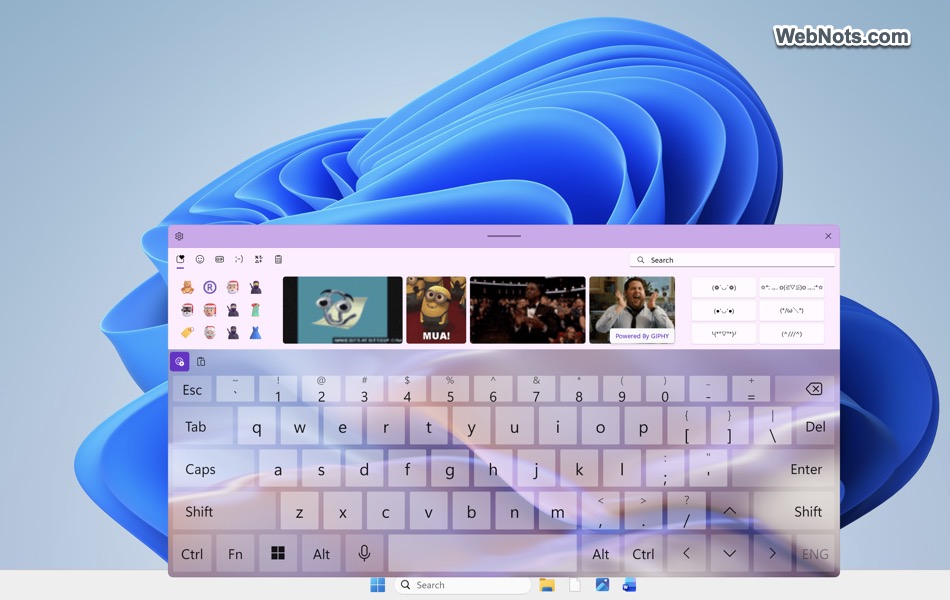
Windows 11 includes a built-in touch keyboard that lets you type without a physical keyboard. It is useful on touchscreen
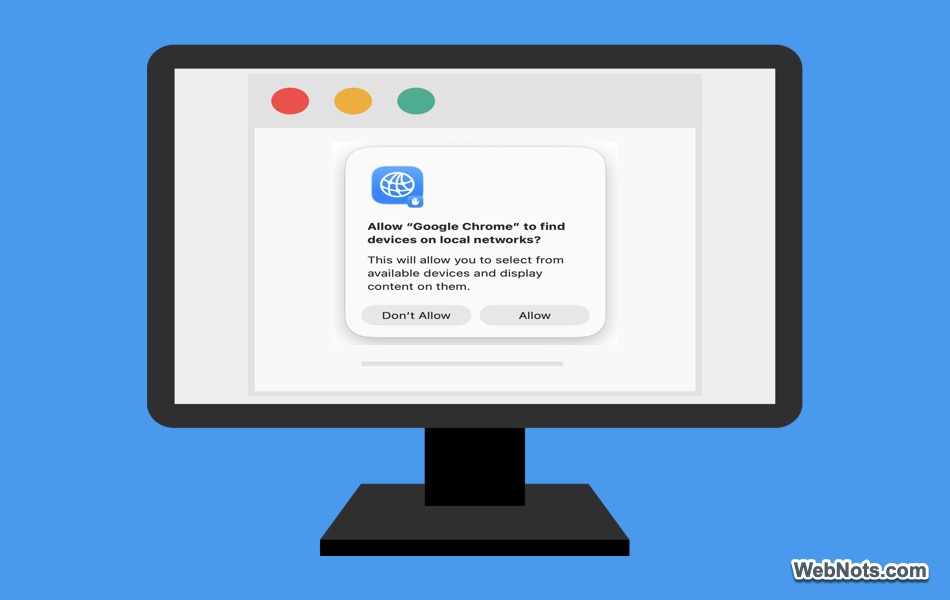
If you use Google Chrome on a Mac, you may frequently see a pop-up asking, “Allow Google Chrome to find
Google Chrome is the most popular browser with more than 60% market share. Though it comes with basic features for

If you regularly use Firefox, your browser can quickly become a mix of different accounts, cookies, and browsing sessions. While

Normal users can easily get confused when frequently seeing the pop-ups to use passkeys for Google, Microsoft, and other accounts.

Browser apps store your browsing history, cookies, website permissions, login information, and almost everything you do online. In addition, websites