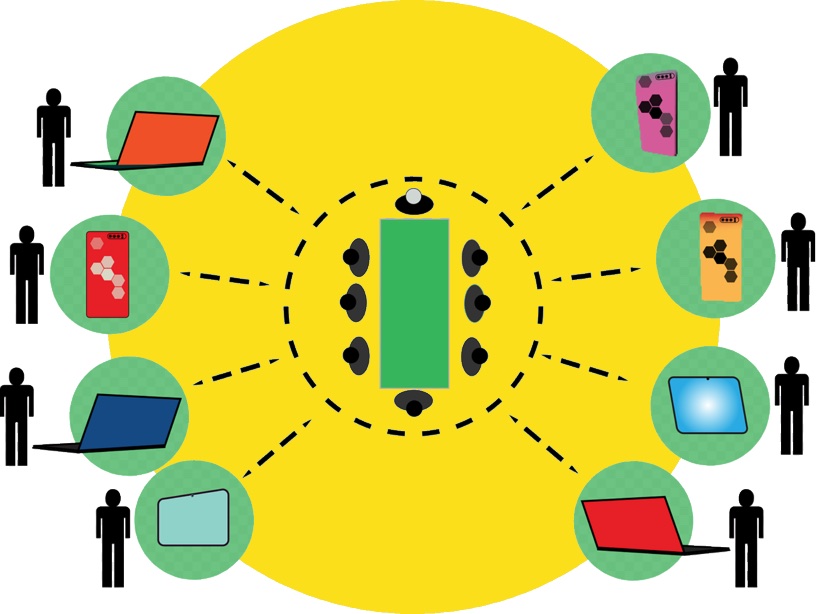
Remote teams have become a mainstay in many industries, offering businesses flexibility and access to talent from any part of the world. However, one of the major challenges that these teams face is ensuring that all employees have access to the necessary tools and technology. For remote teams, laptops are often the backbone of daily operations. But not every company has the resources to purchase and maintain a large number of laptops.
Instead, companies choose to rent a laptop to equip remote workers with the best technology without incurring the high upfront costs. Renting laptops allows companies to scale up or down quickly as their team size changes, while also providing the flexibility to upgrade devices regularly. This article focuses on the practical steps and considerations involved in renting laptops for remote teams.
Streamlining Compliance and Standardization Across Distributed Teams
As remote work expands, businesses must ensure employees follow consistent technology and security standards, no matter where they are based. Standardization is especially important for industries with strict regulatory requirements, such as finance, healthcare, and legal services. Laptop rentals support this by allowing:
- Companies to deploy uniform device configurations across their entire workforce.
- All remote staff use the same operating systems, security settings, software versions, and performance levels, reducing compatibility issues and operational risks.
- Rental providers can supply pre-configured laptops designed to meet specific compliance guidelines, helping prevent misconfigurations, data breaches, and unauthorized software installations. This creates a controlled, secure environment right from the start.
How to Rent Laptops for Your Remote Team?
Generally, renting laptops is an easier and straightforward process. However, the following steps ensure your team receives devices that align with their roles and performance needs.
1. Assess Your Team’s Needs
Every remote team has unique workflows and technical requirements. Before selecting any devices, determine the types of work your employees perform and the applications they use. For example, creative professionals working with video editing, 3D modeling, or animation require high-performance laptops with substantial RAM, strong processors, and dedicated graphics capabilities. Meanwhile, administrative teams may function effectively with lightweight, budget-friendly laptops focused on reliability and battery life.
Beyond device specifications, consider any role-specific accessories, such as external keyboards, number pads, styluses, or webcams, that might enhance productivity. A clear understanding of requirements from the start helps avoid overspending or under-equipping team members.
2. Choose a Reputable Rental Provider
Choosing the right laptop rental provider plays a major role in how smoothly your remote operations run. A well-matched provider can reduce setup time, minimize disruptions, and make ongoing device management easier.
- Research multiple providers and compare device selection, pricing structures, support availability, and customer reviews.
- Choose providers that offer flexible rental terms, transparent contracts, and responsive customer service.
- Prioritize companies with experience supporting remote teams and distributed workforces.
- Look for value added services such as device imaging, streamlined logistics, and fast delivery.
- Consider providers that offer centralized dashboards for monitoring devices, requesting replacements, and tracking billing.
3. Select the Right Laptops
Once you’ve identified your team’s technical needs, choose laptops that match each role. Most rental companies offer a range of devices from entry-level to high-end workstations. Consider factors like processing speed, storage type, memory capacity, and portability.
This is also the time to determine whether employees need additional hardware to work efficiently. Docking stations, headsets, external monitors, and ergonomic peripherals can significantly improve the remote work experience, and many rental companies offer them as add-on items. The goal is to create a cohesive setup that mirrors an office environment while maintaining the flexibility of remote operations.
4. Negotiate Rental Terms
Every rental agreement includes specifics on duration, fees, deposits, replacements, and service coverage. Review these details carefully and negotiate terms when possible. Short-term projects may benefit from month-to-month rentals, while long-term remote teams might secure better pricing with extended contracts.

Clarify what happens if a laptop malfunctions, is damaged, or needs to be upgraded. Some providers offer instant replacements or on-site repair services, while others require devices to be shipped back, potentially causing downtime. Understanding these operational details helps maintain business continuity.
5. Ensure Delivery and Setup
Smooth onboarding is essential for remote workers, especially new hires. Many rental services handle shipping, configuration, software installation, and initial setup, ensuring employees receive ready-to-use devices. This minimizes delays and reduces the need for IT intervention.
For global teams, confirm that the rental provider supports international deliveries, customs requirements, and regional power adapters. A well-planned rollout ensures employees can join projects and communicate with the team without technical hurdles.
6. Cost Over Time
Although renting eliminates upfront investment, long-term rental costs may exceed the price of owning laptops outright. Businesses with permanent remote teams should compare the total cost of ownership with rental fees over a period of 1 to 3 years. For organizations with fluctuating staffing needs or frequent technology refresh cycles, renting often remains the more economical choice.
7. Device Security Standards
Security is one of the most significant concerns for remote teams. Ensure that rental laptops include updated software, antivirus protection, encrypted storage, and compatibility with your company’s cybersecurity tools. Some providers offer device monitoring, remote wiping, and secure login configurations to safeguard sensitive information. The level of security support should match the data protection standards required in your industry.
8. Long-Term Planning and Equipment Strategy
Renting laptops is ideal for temporary teams, contractors, or companies experiencing rapid growth. However, organizations with stable, long-term remote teams should incorporate hardware planning into their broader IT strategy. Some companies adopt a hybrid approach: renting devices during onboarding surges or project spikes while owning laptops for core team members. This method ensures consistency while preserving flexibility.
9. Warranty and Technical Support
Reliable warranty coverage and technical support are critical when renting laptops for remote teams. Strong support services help minimize downtime, maintain productivity, and ensure issues are resolved quickly regardless of location or time zone.
- Review the warranty terms to understand what is included in the rental agreement.
- Confirm access to troubleshooting assistance, remote support, and hardware repair or replacement services.
- Prioritize providers that offer fast response times to reduce productivity losses from device downtime.
- Look for 24/7 technical support, especially if your team operates across multiple time zones.
- Choose providers that offer immediate device replacement or swap out services when hardware failures occur.
Final Words
Renting laptops provides a cost-effective way for companies to equip remote teams with reliable devices. By assessing team requirements and choosing the right rental provider, businesses can support productivity without long term financial commitments. Laptop rentals also offer flexibility for short term projects or changing team sizes, helping companies save time and reduce operational hassle while ensuring teams have the technology they need.