
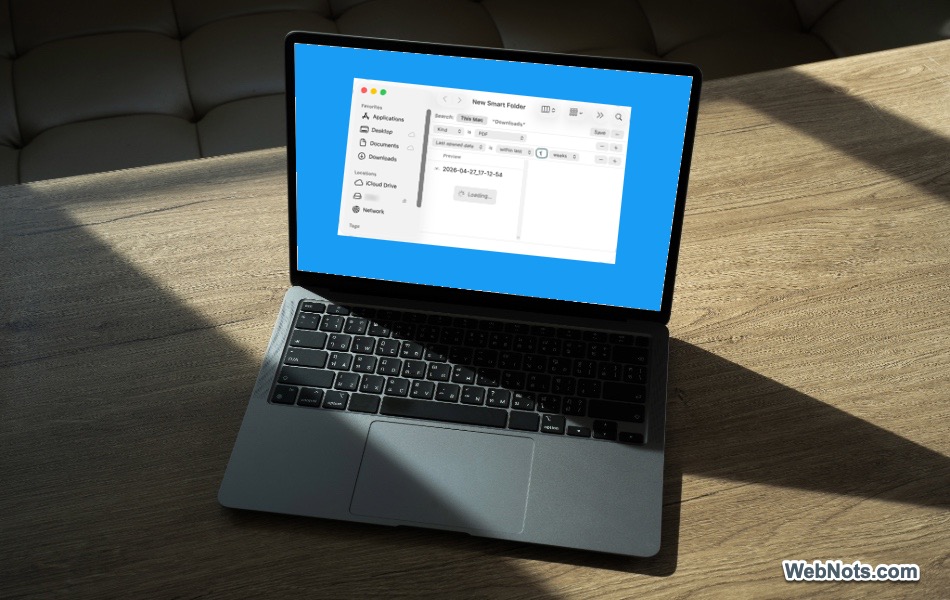
10 Finder Tips Every Mac User Should Know
The Finder app on Mac is the place where you browse files, launch apps, and manage your digital life. However,
The Finder app on Mac is the place where you browse files, launch apps, and manage your digital life. However,

Finder app in Mac comes with sidebar, file/folder view area and a set of toolbar icons on top. Many Mac

It is difficult to refer the area left and right to the address bar (also called smart search bar or

Web accessibility is one of the overlooked areas in this digital world. Though there are legal laws in US like

Mac has a fixed menu bar showing on the top. It comes with few default icons/items like Control Center, Spotlight
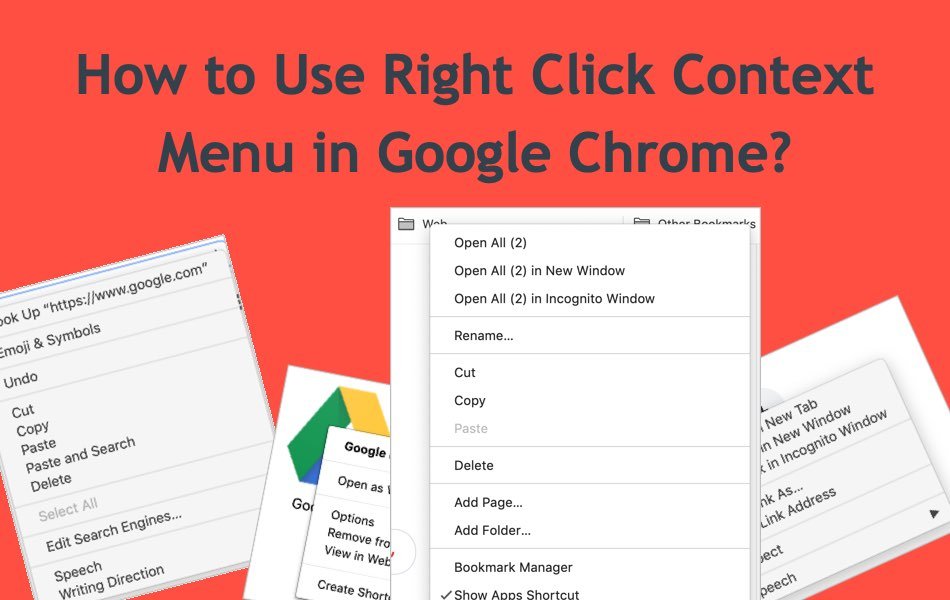
Google Chrome has lots of hidden features and one such feature is using the right click context menu. The browser

Customizing WordPress admin dashboard is easy job if you are aware of where exactly the feature is available in the menu.

WordPress admin dashboard is the place where you can manage all your activities starting from creating a simple post to managing

Are you wondering why your Classic post editor doesn’t have a “visual” tab or looking for deactivating the toolbars when