
Apple supplies iPhone with few default apps like Safari, Messages, Mail, etc. Though this is useful, it will be a problem when you have a third-party app for the same purpose. With iOS 18.2, Apple added a new “Default Apps” feature which you can use to assign default apps for important functions in single place.
Using Multiple Apps for the Same Purpose
Let’s take an example of creating emails. By default, any email address you tap will open in Mail app with your default email account. If you want to use Gmail for creating emails, then you need to change the settings either in Mail or in Gmail app. It will be a hassle to change the default assignment for each function like messaging, calling or browsing.
Assigning Default Apps in iPhone
First, make sure to update your iPhone to iOS 18.2 or later version and follow the below steps:
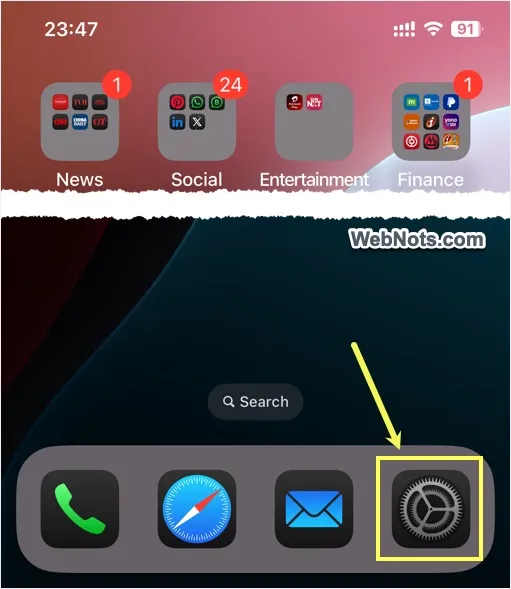
- Open Settings app on your iPhone.
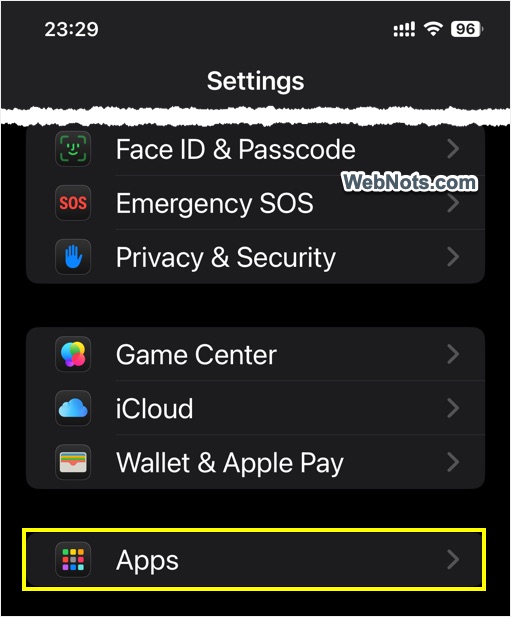
- Scroll down to the bottom and tap on “Apps” option.
- Now, tap on “Default Apps” option showing on top.

- Select a function from the list like emailing, browser app or call filtering.

- Change your default app for that function.

Currently Available Functions
At this point, few commonly used functions are available under “Default Apps” section.
- Messaging
- Calling
- Call Filtering
- Browser App
- Passwords & Codes
- Keyboards
You may also see “App Installation” and “Contactless Apps” options if you are residing in EU region. You can expect more functions will be added soon to make the default app assignments easier. Henceforth, you don’t need to forcibly use Phone or Messages app and use any third-party app as your default app instead.
Note: Unlike iPhone, you have option to assign default app for each file type on Windows and Mac computers. For example, you can open plain text files with .txt extension using Notepad app and open rich text files with .rtf extension using Microsoft Word app in Windows.




iPhone 13 with latest iOS and under Apps there is no “Default Apps” choice. Hard to believe in 2025 apple hasn’t figured this out years ago. In desktop computers this goes back to the early 1990’s