
AI video upscalers have now become one of the most essential tools for creators, marketers, brands, and even beginners. They fix low-quality clips, remove noise, and restore details in ways traditional editing could never achieve. However, one problem that keeps turning up is, which tool to actually use. Remember, you don’t need expensive software anymore because of the free options that can offer just about the same results. After using many free AI video upscalers, we’ve compiled 10 of the best. Let’s get started.
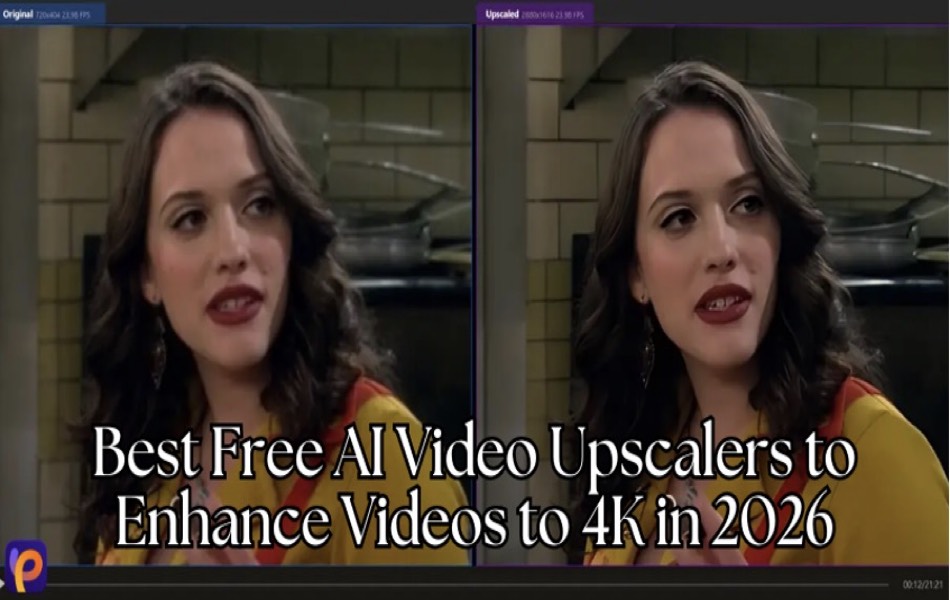
Comparison of Top 10 AI Video Upscalers
Here’s a quick comparison of the top 10 AI video upscalers that you can use for your videos:
| Tool | Key Features | Supported Systems | Price | Main Advantage | Ideal Users |
|---|---|---|---|---|---|
| HitPaw VikPea | 4K/8K upscaling, cloud acceleration, AI repair, stabilization | Windows, macOS, Android, iOS, and online | Free trial + paid version | Highest-quality enhancement with fast cloud processing | Creators, editors, professionals |
| UniFab Video Upscaler AI | Basic AI upscaling, simple interface | Windows | Free + paid options | Easy for beginners | Casual users, home video editors |
| Real-ESRGAN | Open-source AI models, strong detail recovery | Windows, macOS, Linux | Completely free | Best free detail restoration | Technical users, hobbyists, modders |
| Nero AI Video Upscaler | Quick sharpening, clarity enhancement | Windows | Free + paid plans | Fast and simple improvements | Families, casual video users |
| Winxvideo AI | One-click enhancement, noise reduction | Windows, macOS | Free trial, paid version | Great for fixing low-quality footage | Vloggers, beginners |
| PowerDirector | AI upscaling + full editing suite | Windows, macOS | Free + subscription | Editing and enhancement in one place | YouTubers, editors |
| VideoProc Converter AI | AI upscaling, fast GPU performance | Windows, macOS | Free trial + paid | Fast processing and easy workflow | Frequent editors, content creators |
| DVDFab Video Enhancer AI | Deep restoration, strong 4K upscaling | Windows | Paid with a trial | Best for old and damaged videos | Archivists, restoration users |
| Vmake AI | Online upscaling, quick browser tool | Web-based (any OS) | Free with limits | No installation needed | Social media users, quick edits |
| AVCLabs Video Enhancer AI | AI upscaling, stabilization, and color fix | Windows, macOS | Free trial + paid plans | Strong noise and detail recovery | For restoring older footage |
Now that you have an overview, let’s discuss each of them in a bit more detail.
1. HitPaw VikPea
HitPaw VikPea is a professional AI video enhancer that turns blurry, low-quality, or damaged videos into crisp 4K or even 8K footage. It focuses on giving creators an easy way to restore details, fix noise, and upgrade resolution. What makes HitPaw VikPea stand out is its strong AI models, which can unblur, colorize, brighten, and handle large videos. This makes it a reliable tool for YouTubers, editors, filmmakers, and everyday users who want fast, high-quality results.
Here’s how you can use HitPaw VikPea to enhance your videos with AI:
- Go to the official HitPaw VikPea page and download the app for Windows or macOS. Then, launch the tool and go to the “Video Enhancer” tab.
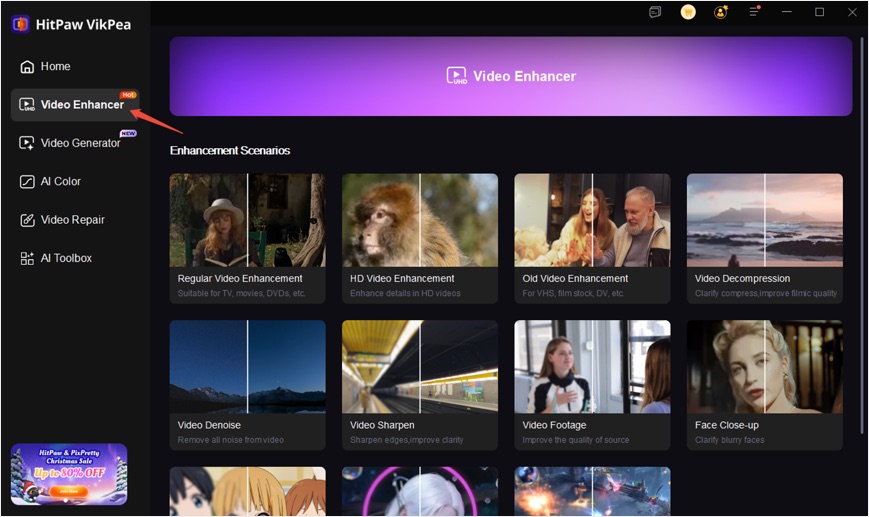
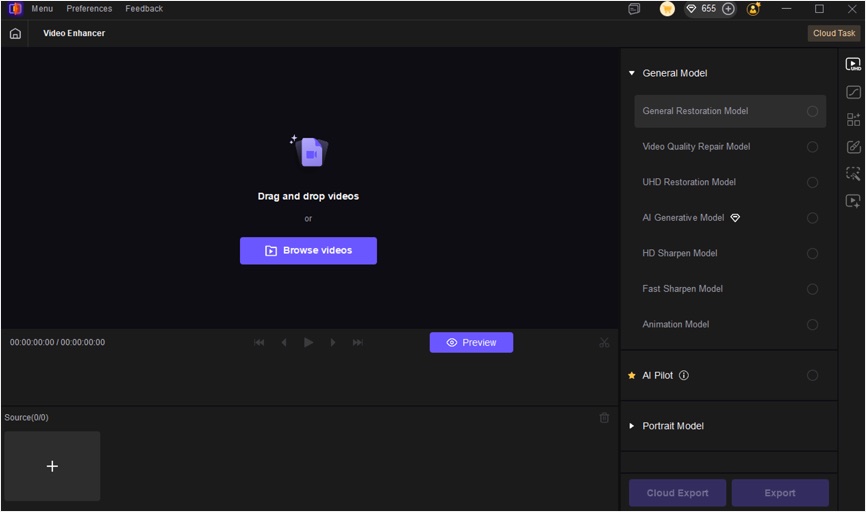
- In the next window, upload the video you want to enhance and choose from various models that best fit your editing needs.
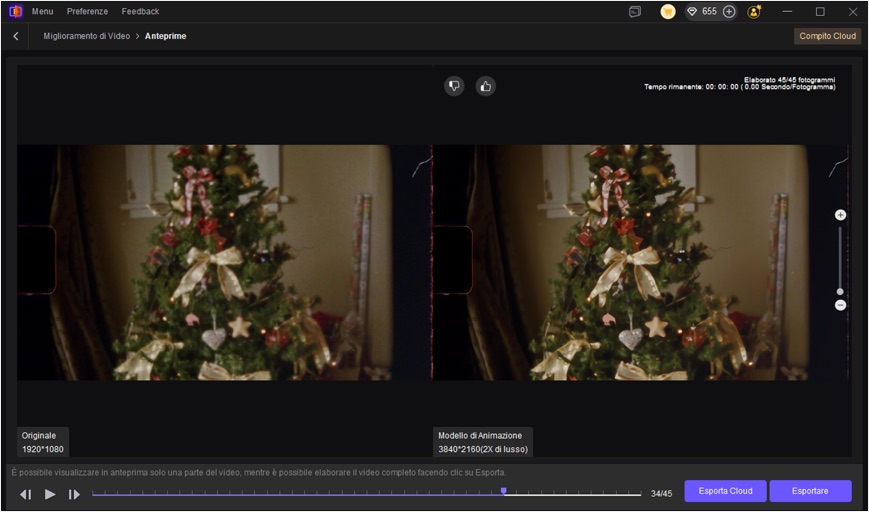
- Adjust the export settings and click on “Preview” button. Wait for few seconds, then click “Export” to download the high-quality video.
| Pros | Cons |
|---|---|
| Powerful AI models with 4K/8K upscaling and color restoration | Some advanced features require upgrading from the free plan |
| Cloud-accelerated processing for fast performance | |
| Simple interface that works for everyone |
2. UniFab Video Upscaler AI
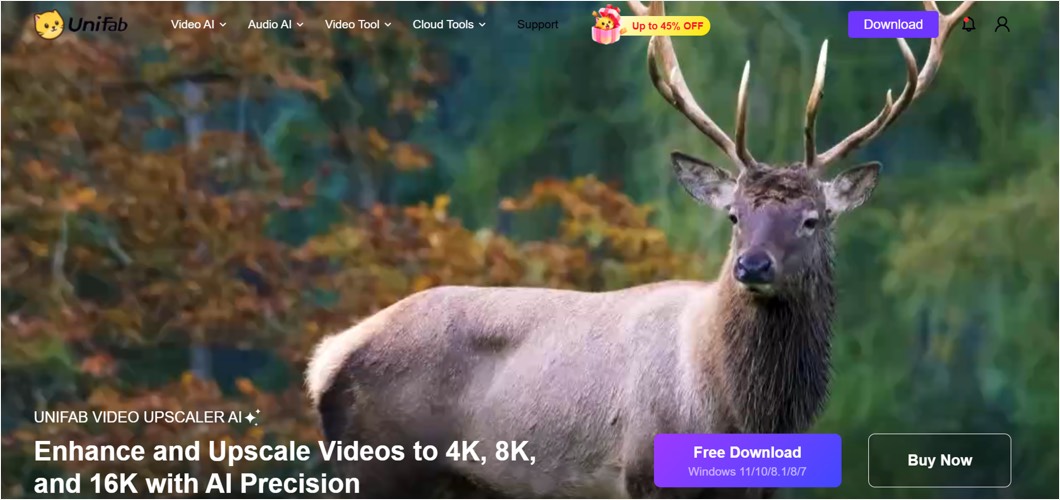
UniFab Video Upscaler AI is a beginner-friendly tool that uses AI models to upgrade videos to higher resolutions with clearer textures. It focuses on fast enhancement with minimal manual setup. The software performs well for everyday upscaling, especially for 1080p to 4K conversion.
| Pros | Cons |
|---|---|
| Simple interface for easy upscaling | Limited advanced editing tools |
| Reliable quality improvement for most videos | Free version adds restrictions |
| Slower performance on older computers |
3. Real-ESRGAN
Real-ESRGAN is an open-source AI upscaler known for its strong detail restoration. It uses advanced neural networks to rebuild textures in low-resolution or compressed videos. With it, users can produce impressive improvements for anime, games, and older footage. It is one of the best free options for users who understand basic model installation.
| Pros | Cons |
|---|---|
| Exceptional detail recovery | Not beginner-friendly |
| Fully free and open-source | Requires strong GPU hardware |
| Manual installation takes time |
4. Nero AI Video Upscaler
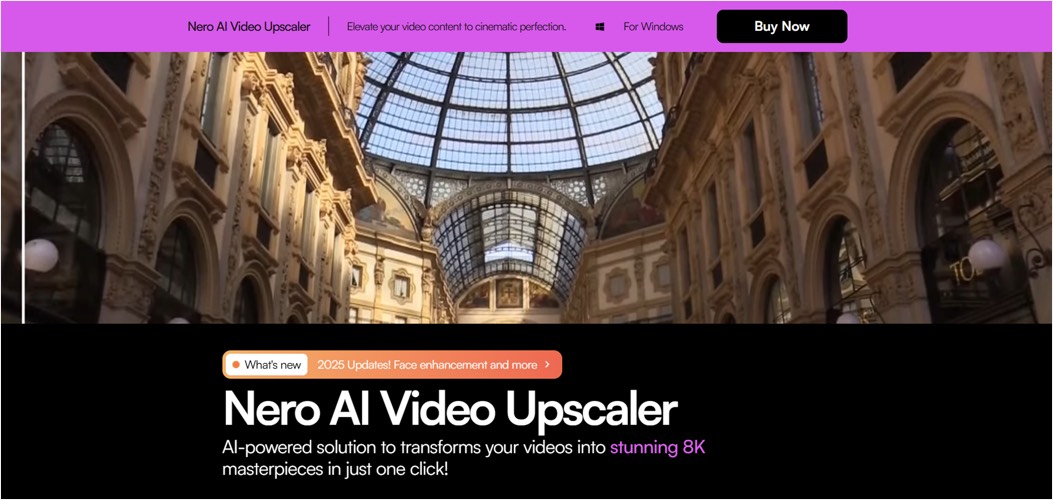
Nero AI Video Upscaler is a simple desktop app designed for home users who want to sharpen and upscale personal videos. It uses AI to improve clarity, correct softness, and rebuild basic details. The output looks neat and natural, making it ideal for family videos, smartphone clips, and old footage.
| Pros | Cons |
|---|---|
| Quick and easy to use | Fewer enhancement controls |
| Good quality for everyday footage | The free version restricts exports |
| Not suitable for high-end editing needs |
5. Winxvideo AI
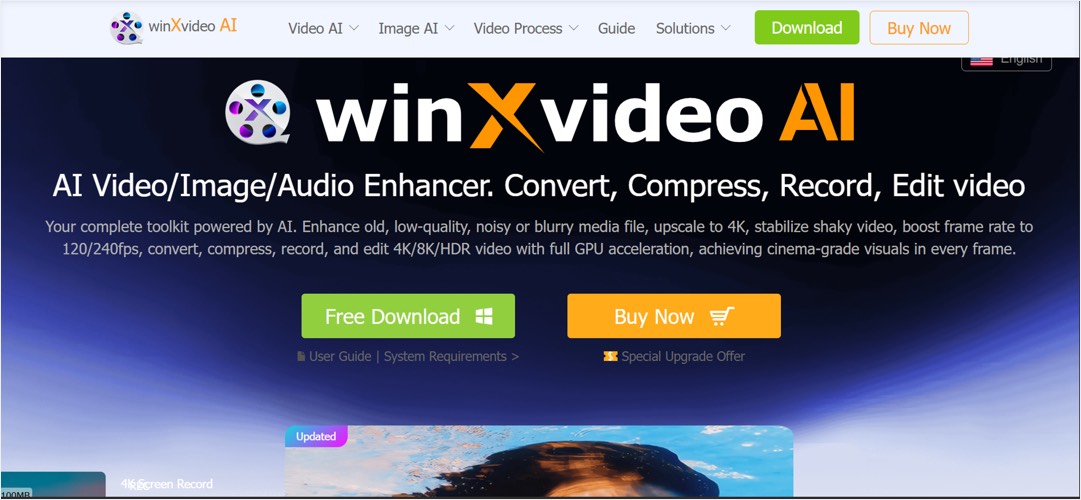
Winxvideo AI is an AI-enhanced video tool that upgrades resolution, reduces noise, and improves motion clarity. This tool is designed for users who want fast, one-click improvements to low-quality footage. It offers reliable stabilization and noise reduction, making it useful for casual editors.
| Pros | Cons |
|---|---|
| One-click workflow | Minimal control over settings |
| Good results for low-light and shaky clips | Watermarks in free mode |
| Slower when processing long videos |
6. PowerDirector
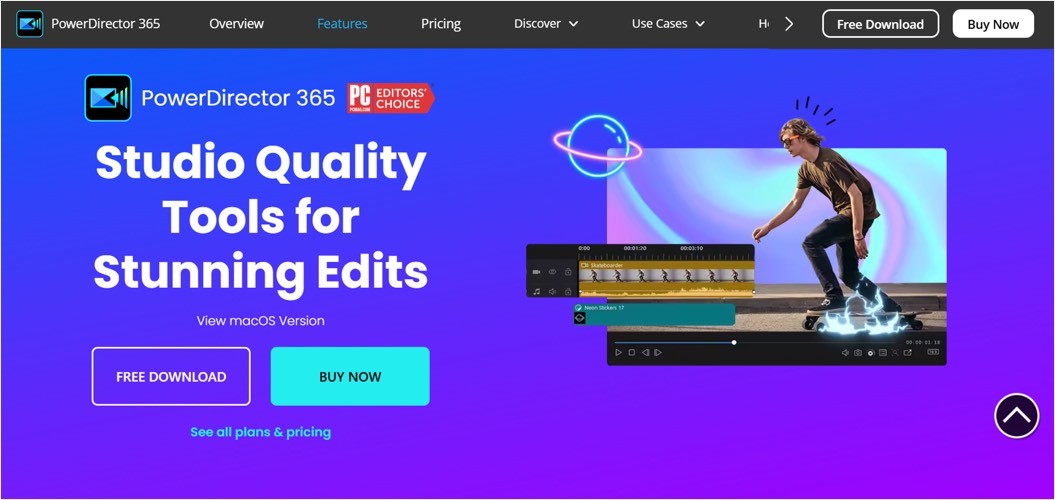
PowerDirector includes AI enhancement tools along with its full editing suite. For YouTube content, vlogs, and commercial videos, this upscaler produces satisfactory 4K results. It is a strong choice for creators who want both traditional editing and AI upscaling in a single application.
| Pros | Cons |
|---|---|
| Complete editing and AI enhancement in one place | Higher learning curve |
| Great for 1080p to 4K YouTube-style videos | Requires strong system performance |
| Free version limits export options |
7. VideoProc Converter AI
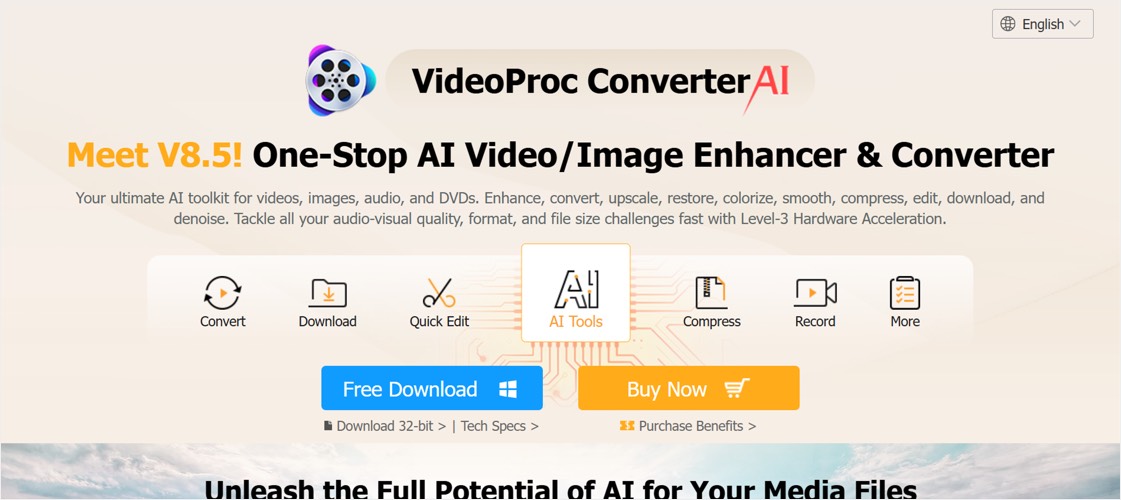
VideoProc Converter AI offers AI-powered enhancements alongside strong conversion and editing tools. It is built for users who want both quality improvement and format flexibility in a single platform. You’ll also find its AI upscaling to be quick, especially on GPU-supported systems.
| Pros | Cons |
|---|---|
| Fast GPU-accelerated processing | Fewer AI models for specific scenes |
| Includes conversion and editing tools | Free version limits video length |
| Output quality may vary on GPUs |
8. DVDFab Video Enhancer AI
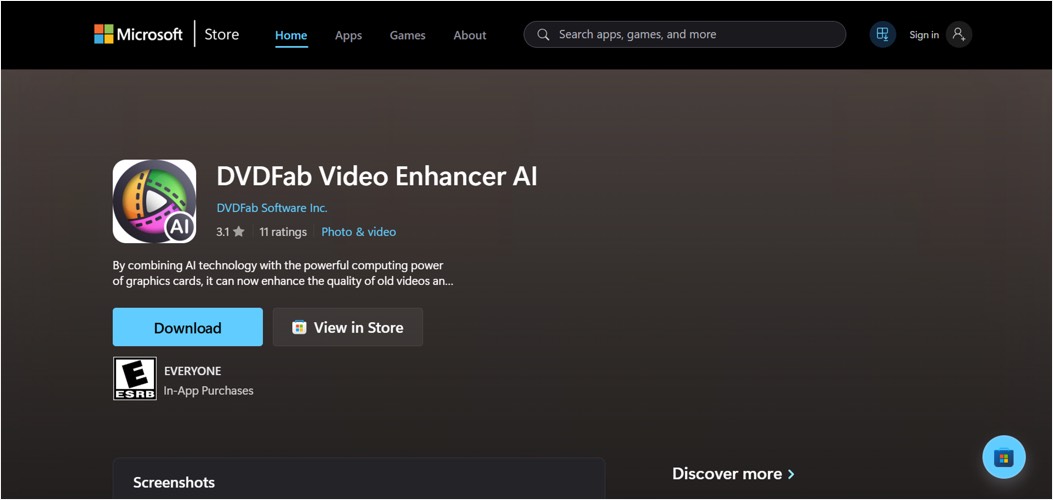
DVDFab Video Enhancer AI is a desktop app that you can download from the Microsoft Store. This software uses deep learning models to upscale and restore videos, improving clarity and reducing noise. If you want to fix old, blurry, or heavily compressed footage, DVDFab is a great choice.
| Pros | Cons |
|---|---|
| Strong AI restoration for old videos | Requires powerful hardware |
| Good noise reduction and clarity improvement | Longer rendering times |
| The free version has functional limitations |
9. Vmake AI
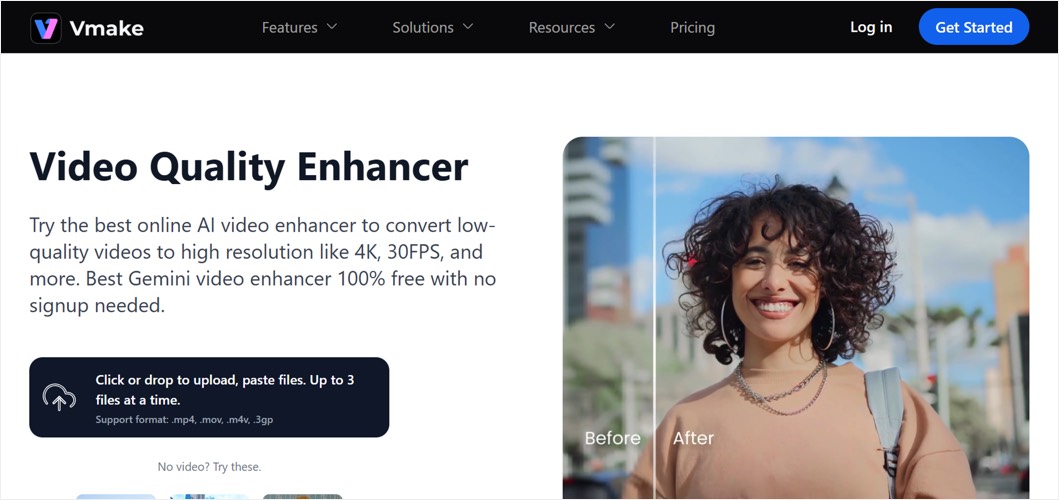
Vmake AI is an online video enhancer that offers quick upscaling for short clips. It is ideal for users who want simple, instant upgrades without downloading software. The tool works well for short videos, social media posts, and quick fixes, and is decent enough for lightweight projects.
| Pros | Cons |
|---|---|
| Works directly in the browser | Limited video size and export options |
| Very simple and beginner-friendly | Not ideal for long videos |
| Slower uploads for large files |
10. AVCLabs Video Enhancer AI
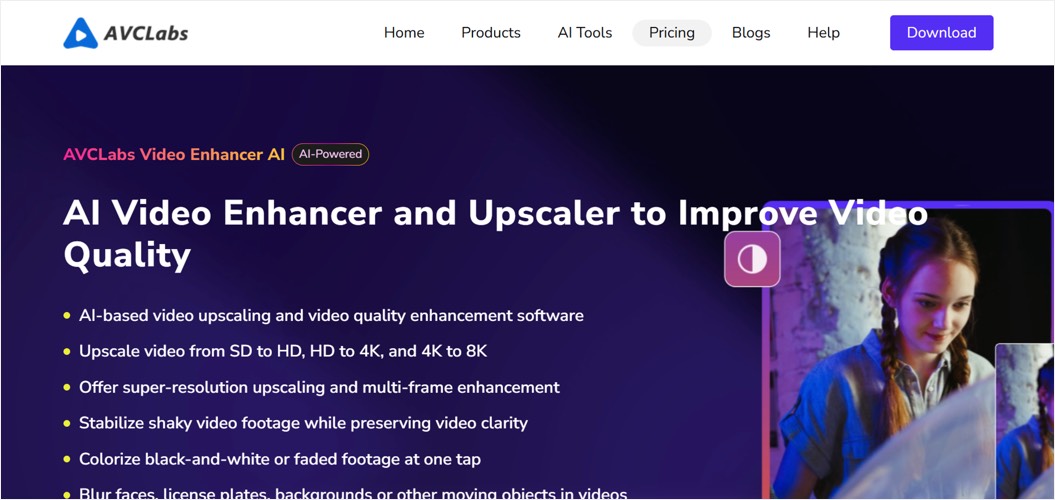
AVCLabs Video Enhancer AI is a desktop tool that uses AI models to upscale videos, reduce noise, and restore detail. The primary focus of the tool is to give users clean, stable improvements without complicated steps. It performs surprisingly well on older footage, noisy clips, and videos with visible compression artifacts.
| Pros | Cons |
|---|---|
| Good restoration for old or noisy videos | Heavy on system resources |
| Helpful stabilization and color improvement | Slower rendering times |
| Free plan limits output length |
How to Choose the Right AI Video Upscaler?
Before you pick a tool, it helps to know what actually makes an upscaler worth using. Here are the key things to look for:
- Check the Maximum Output Quality – Look at how far the tool can push your video. Some free AI video upscalers stop at 1080p, while others give you sharp 4K results. If you create content for YouTube, marketing, or client work, a tool that supports 4K will always give you better value.
- Review Enhancement Features – Next, look at what the tool can fix besides resolution. The best AI upscalers remove noise, sharpen faces, improve colors, and smooth motion. These features help old, shaky, dark, or blurry videos look clear again.
- Watch Out for Limits – Many free AI tools have restrictions. Some add watermarks, limit video length, or reduce export quality. These limits can interrupt your workflow and reduce the final result. Make sure to pick a tool that gives you enough freedom for the type of videos you make.
Conclusion
Great video quality starts with the right tools, and choosing a reliable AI video upscaler is what helps your content look professional. Before making a decision, take a moment to assess what matters most to you – processing speed, enhancement features, and output quality. Among the many options available today, HitPaw VikPea stands out as a strong all-in-one solution delivering high-quality upscaling, smooth performance, and intuitive controls. Beyond video enhancement, HitPaw also offers a complete suite of AI-powered photo and video tools, making it easier to handle different creative needs in one place.


